
iPhone words
- A passcode is the code you type to unlock your iPhone. Anyone who knows your iPhone passcode can also open your Hidden album. See when someone else knows your passcode.
- Face ID unlocks your iPhone by recognizing your face. You still need a passcode, because your iPhone sometimes asks for the passcode instead. See what opens the Hidden album.
- An alternate appearance is a second look that Face ID learns to recognize. If that second look is another person’s face, that person’s face unlocks your iPhone too. See who can open the Hidden album.
- Guided Access keeps your iPhone in one app until you end the session. Your iPhone has no guest mode, and Guided Access is the closest thing. See how to use Guided Access.
- Stolen Device Protection asks for Face ID or Touch ID before someone can use saved passwords or do certain other things, when your iPhone is away from familiar places. This setting helps if someone takes your iPhone and knows your passcode. See what to do if your iPhone is lost or stolen.
Photos words
- Your camera roll is the everyday name for the photos and videos on your iPhone. Apple’s word for them in the Photos app is your library. See how to keep photos out of your camera roll.
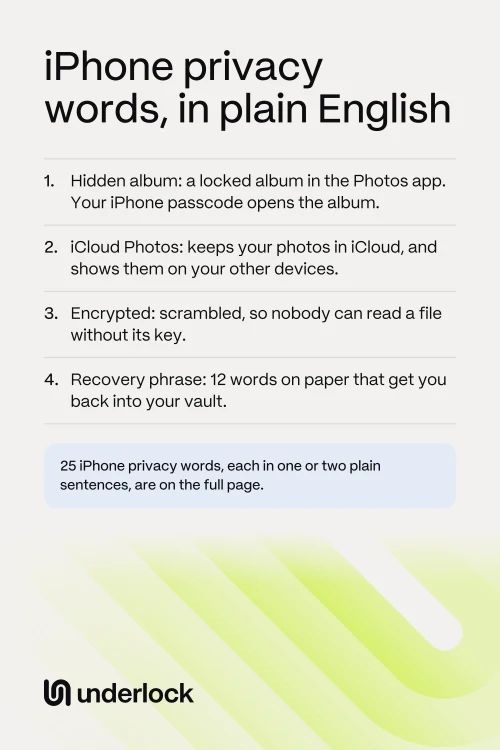
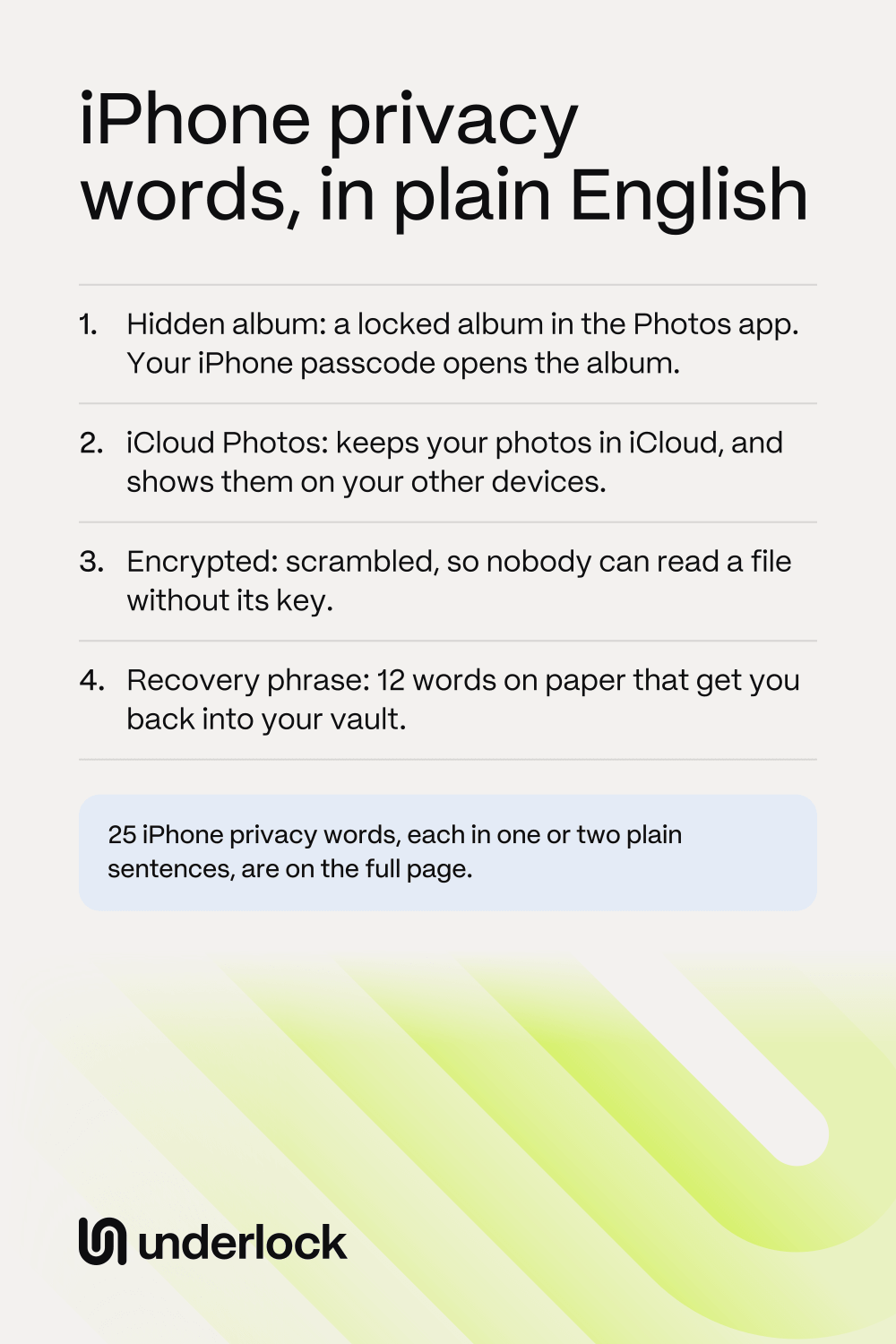
- The Hidden album is a locked album in the Photos app, for photos you hide. Face ID, Touch ID or your iPhone passcode opens the album. See where the Hidden album is.
- Recently Deleted is where the Photos app keeps the photos you delete, for 30 days. Recently Deleted has the same lock as the Hidden album. See how to get a photo back.
- Memories are collections the Photos app makes by itself, around a person, pet, place or event. A hidden photo doesn’t appear in Memories. See how to keep photos out of Memories.
- Featured Photos are photos the Photos app chooses by itself and shows you, in the app and in the Photos widget on your Home Screen. The switch Show Featured Content turns off Featured Photos and Memories. See how to turn them off.
- Photo Shuffle changes the photo on your Lock Screen, from one photo to another. Photo Shuffle can use an album you choose, or Featured Photos. See how to choose the photos.
- A shared album is one album you share with people you choose. Those people can add their own photos, videos and comments. See how to remove someone from a shared album.
- An iCloud Shared Photo Library, or Shared Library, is a second photo library that you share with up to 5 other people. Everyone in the library can add, edit and delete its photos. See how to leave a Shared Library.
iCloud words
- Your Apple Account is the account you use to sign in to Apple’s services, such as iCloud and the App Store. With iCloud Photos on, a device signed in to your Apple Account can show your photos. See your photos on a shared iPad or Mac.
- iCloud Photos keeps your photos and videos in iCloud, and shows the same library on each device that uses iCloud Photos with your Apple Account. If you delete a photo on one of those devices, the photo goes from the others too. See what iCloud Photos does with hidden photos.
- An iCloud backup is a copy of your iPhone’s settings, app data and other things that iCloud doesn’t already keep. With iCloud Photos on, your photos aren’t in that copy, because iCloud Photos already keeps them. See what’s in your iPhone backup.
- Advanced Data Protection is an optional iCloud setting: only your devices then hold the keys to most of your iCloud data, your photos included. If you lose access to your account, Apple can’t help you get that data back. See what the setting changes.
- Family Sharing lets you and up to 5 family members share Apple’s services and purchases, without sharing an Apple Account. Family Sharing doesn’t share your photo library, but it does set up one shared album for the family. See Family Sharing and your photos.
Vault words
We make Underlock, a private vault on your iPhone. So some of these lines say how a word works in Underlock.
Underlock is coming soon to the App Store. Here’s how it will work.
- A vault is a private place on your iPhone for photos, videos, files and notes, behind a lock of its own. A vault app is the app that keeps this place. See what a photo vault app is.
- Encrypted means scrambled, so nobody can read a file without the key that unscrambles the file. In Underlock, each file is encrypted on your iPhone before it’s saved. See how the encrypted vault works.
- A pattern is a line you draw on a grid of dots, to open your vault in Underlock. Your pattern is separate from your iPhone passcode. See how the pattern lock works.
- A passphrase is a few words you type instead of drawing a pattern, like a short sentence you’ll remember. See how to choose a passphrase at setup.
- A recovery phrase is 12 words you write on paper, and those words get you back into your vault if you forget your pattern. If you lose both, nobody can open your vault, not even us. See how the recovery phrase works.
- A decoy pattern is for when someone forces you to open Underlock. You choose a vault to show, and that vault’s pattern becomes the decoy pattern. When the decoy pattern is drawn, that vault opens as usual, and every other vault on this iPhone is erased. The erased vaults are gone for good. See how the decoy pattern works.
- More vaults means extra vaults in Underlock, each with its own pattern and its own recovery phrase. The pattern screen looks the same for every vault, with no names, no list and no count. See how more vaults work.
Questions people ask
iCloud Photos keeps the same photos on each device that uses iCloud Photos. An iCloud backup is a copy of your iPhone’s settings, app data and other things that iCloud doesn’t already keep. With iCloud Photos on, your photos aren’t in your iCloud backup.
No. The Hidden album is in the Photos app, and your iPhone passcode opens the album. A vault is in an app of its own, behind a lock of its own.
No. Your passcode unlocks your iPhone. Your pattern opens your vault in Underlock. Your passcode doesn’t open your vault.
No. More vaults and the decoy pattern come with Pro, Underlock’s paid plan. The free plan gives you one vault, with no file limit.