


No account, no email, no analytics
Nothing to sign up for, and the app doesn’t report how you use it.
Language
Lock and hide
Keep anything
Learn and try
Setup and support
The short answer to “can you see my photos?” is no. Here’s why, in plain words first, with the technical detail further down for anyone who wants to check it.
Coming soon to the App StorePhotos, videos, files and notes are encrypted on your iPhone before they’re written to its storage, and so are their names and dates. Without your pattern, passphrase or recovery phrase, your files are unreadable. If you turn on Face ID in a vault, your face opens that vault too.
Two short exceptions
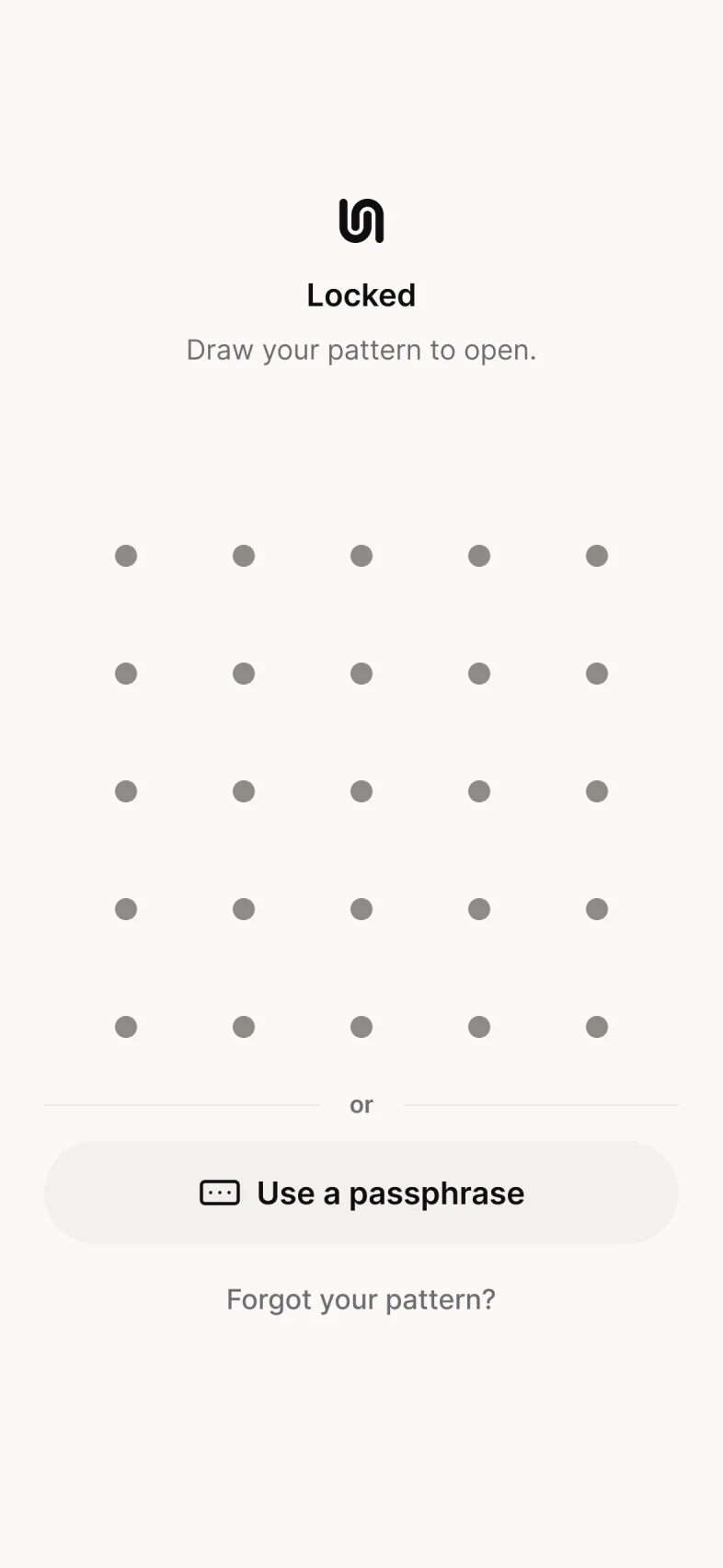
Your pattern is combined with a key that never leaves your iPhone’s security chip. So copying the app’s files off your iPhone isn’t enough to start guessing your pattern: every guess needs your iPhone, and after 5 wrong tries Underlock makes you wait.
The wait slows down guessing on the pattern screen. Someone who can break into your iPhone itself can get around the wait, so a long pattern or a passphrase still matters.
There’s no account, and no server of ours stores your vault. We never receive your files, your pattern or your keys, so we can’t open your vault, hand it over or leak it.
Nothing to sign up for, and the app doesn’t report how you use it.
If anyone asked us for your vault, we’d have no files, no pattern and no keys to give.
The app makes your recovery phrase for you, one per vault, and checks 3 of the words before the vault is made. There’s no Copy or Download button, so you keep your phrase on paper.
Lose both your pattern and your recovery phrase, and nobody can open your vault, not even us. We can’t reset your pattern, because we never receive your keys.
Leave the app, even for a second, and a plain cover hides the screen.
By default, your vault locks the moment you leave Underlock. Prefer 1 or 5 minutes? Change Auto-lock in App settings.
Nothing from your vault shows up in Spotlight, Siri suggestions or notifications.
If the app crashes mid-import or your iPhone fills up, what’s already saved stays saved, and the app tells you what happened. A damaged or tampered file is named, never shown broken, and the rest of your vault keeps working.
For anyone who wants to check our work. Every building block is a standard one, from Apple or from 2 well-known libraries.
| Part | How it works |
|---|---|
| Files | AES-256-GCM, with a new random key for every file. Large files are split into 64 KiB chunks, so a changed, cut or reordered piece is caught. |
| Names, dates and folders | In an encrypted database, one per vault (SQLCipher 4, opened with a random 256-bit key). |
| File sizes | Padded before encryption (Padmé), so stored sizes give less away. |
| Your pattern or passphrase | Stretched with Argon2id, which is slow and memory-heavy on purpose, then combined with a Secure Enclave key once per guess (P-256 key agreement on a hashed point, then HKDF-SHA-256). |
| Each vault’s key | Random, one per vault, and stored only wrapped: by your pattern or passphrase on this iPhone, by your recovery phrase, and, with Face ID on, by a second Secure Enclave key that needs a Face ID match. |
| Recovery phrase | 12 words from the BIP39 English list, generated by the app: 128 bits. You never choose it, and there’s no button to copy it. |
| Wrong tries | One count for pattern, passphrase and phrase. After 5 wrong tries: 30 seconds, then 1, 5 and 15 minutes, then 1 hour each. Nothing is ever wiped for wrong tries. |
| Code from others | Two libraries: libsodium (for Argon2id only) and SQLCipher, each pinned to an exact version and checksum. No third-party analytics or crash-reporting code. |
| Decoy pattern | Replaces the Secure Enclave key record and the device salt that the other vaults depend on, so Underlock can no longer open those vaults, and then deletes their files. |
Argon2id’s settings are tuned on real iPhones and published here once they’re final.
Please tell us at [email protected].
No. Your photos are encrypted on your phone before they’re saved, and we never receive your files, your pattern or your keys. There’s no account, so we don’t have your name or email either, unless you write to us.
AES-256 encryption, on your iPhone, with a new key for every file. Your pattern or passphrase is stretched with Argon2id and tied to your iPhone’s Secure Enclave, the security chip inside it.
Not without your pattern, passphrase or recovery phrase. Your iPhone’s own lock comes first, and your vault’s encryption sits under it. Someone who can break into the iPhone itself can try patterns on it, which is why a long pattern or a passphrase matters.
Free for one vault, with no file limit. No account, no email.
What Underlock can’t doFor iPhone with iOS 17 or later.