

Longer, with turns
A long shape with several turns is harder to guess than a short, simple one. At setup, a hint shows how hard your pattern is to guess.
Language
Lock and hide
Keep anything
Learn and try
Setup and support
iOS has no pattern lock, so Underlock adds one: your own pattern opens a private vault for photos, videos, files and notes. Your iPhone passcode doesn’t.
Coming soon to the App StoreThe people closest to you often know your iPhone passcode, and Apple’s Hidden album opens with that passcode. Underlock has a lock of its own, so handing over your phone doesn’t hand over your vault.
Use more than 8 dots and change direction a few times. Or use a passphrase, which is harder still to guess.
A long shape with several turns is harder to guess than a short, simple one. At setup, a hint shows how hard your pattern is to guess.
The line you draw shows by default. Turn off Show pattern trail in App settings, and only the dot under your finger lights up.
Every wrong try gets the same answer, whatever was drawn. Nothing hints at what’s inside, or how many vaults there are.
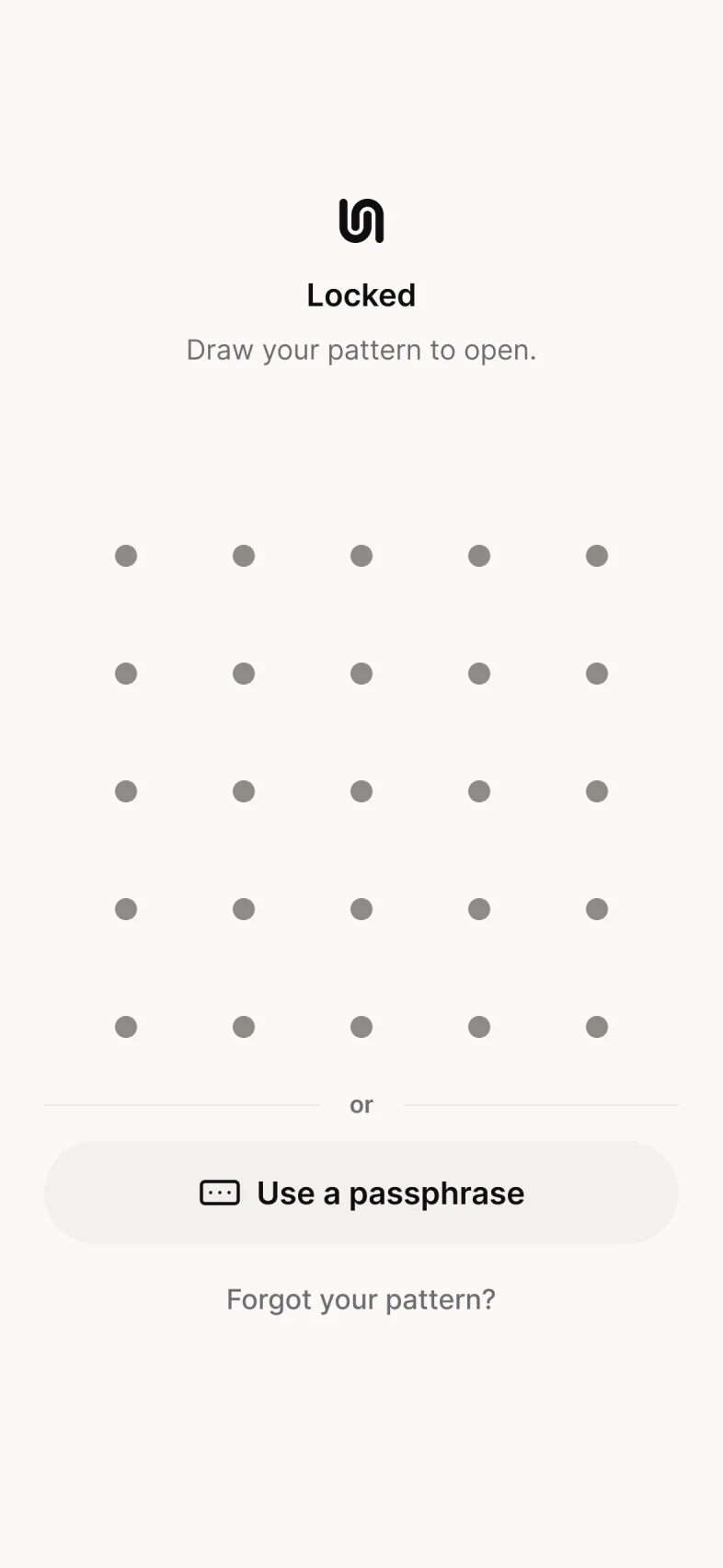
Anyone who opens Underlock sees the grid and the other ways in: “Use a passphrase”, “Forgot your pattern?” and, if you turned it on, “Use Face ID”. That’s the whole screen.
Not for the whole phone: iOS offers a passcode, Face ID and Touch ID. Underlock gives your private things a pattern lock of their own, drawn on a 5 by 5 grid of dots, at least 6 dots long.
No, they’re separate. Knowing your passcode doesn’t open your vault, and your pattern doesn’t unlock your iPhone.
Yes, if you turn on Face ID in one vault. Your pattern still opens every vault, and Face ID works only when you tap Use Face ID.
Change your pattern. In your vault, open Settings, then tap Change pattern. Draw your current pattern, then draw a new one twice. To make a new pattern harder to follow, turn off Show pattern trail in App settings.
Yes, for one vault, with no file limit. Pro adds more vaults, each with its own pattern, and a decoy pattern.
Free for one vault, with no file limit. No account, no email.
For iPhone with iOS 17 or later.