
Switch from another vault app to Underlock
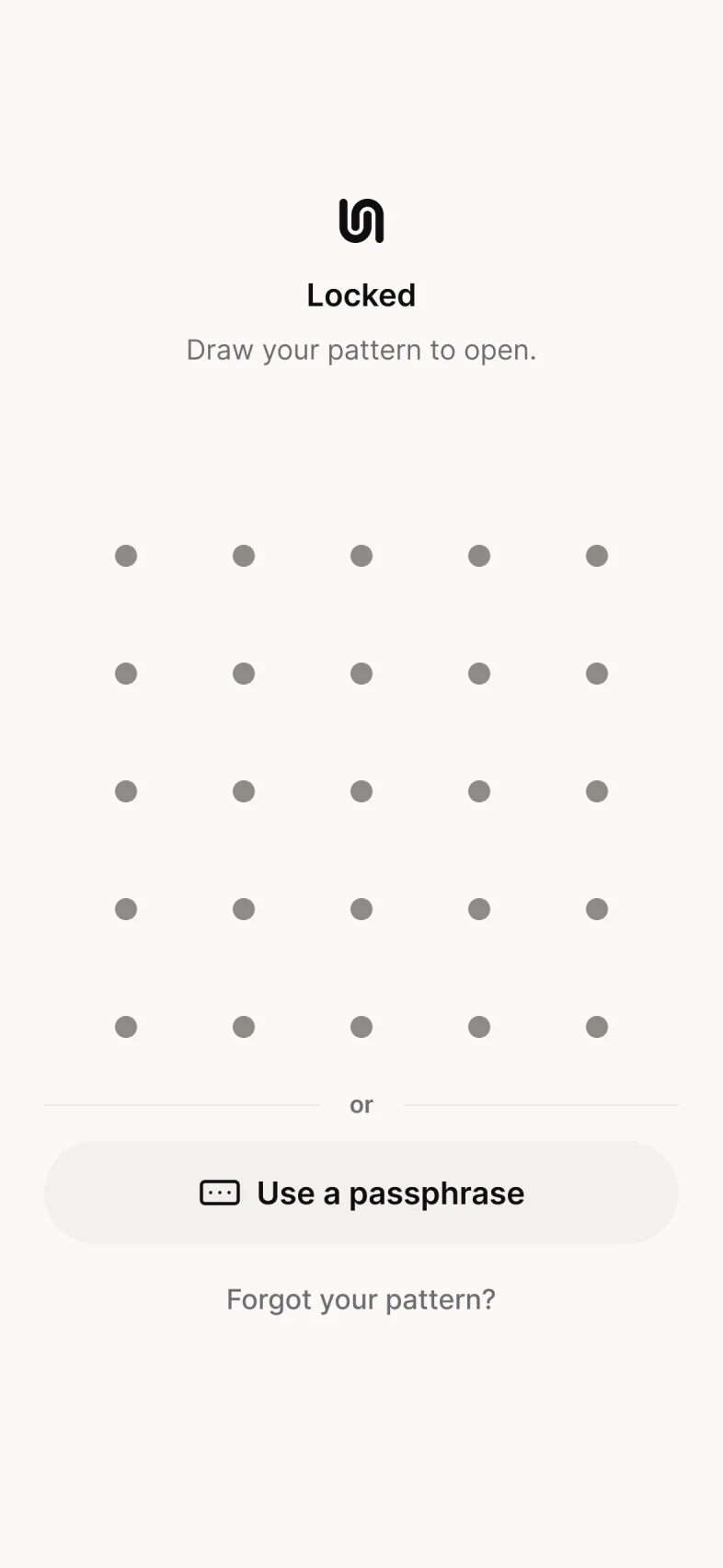
Underlock is a private vault for photos, videos, files and notes. You open your vault by drawing a pattern on a grid of dots, and your iPhone passcode doesn’t open your vault.
Coming soon to the App Store- Free for one vault
- No account
- Encrypted on your phone

Moving photos from another vault app
Underlock is coming soon to the App Store. Here’s how moving will work.
First, save your photos and videos from the old app to the Photos app. How to save your photos out of a vault app. Until you finish step 4, anyone using your iPhone could see the photos in the Photos app, and in iCloud Photos if it’s on. So save the photos only when you can do steps 1 to 4 right away.
Open Underlock. Tap the Add button (a plus sign), then tap Import from Photos. Choose the photos and videos. Keep Underlock open until the import finishes.
Underlock asks whether to remove the photos from the Photos app, now that your vault has its own copy. Tap Remove. Confirm when your iPhone asks. The photos move to Recently Deleted, in the Photos app.
Before you delete anything for good, open your vault and check that the photos are there.
In the Photos app, delete the photos from Recently Deleted. The photos then leave iCloud Photos too. In the old app, delete the photos you moved. Then delete the old app, if you no longer need it. Deleting the old app doesn’t cancel a subscription to it.
Questions
In Keepsafe, tap Select, choose the photos, then tap the send icon and Export to Camera Roll. Keepsafe saves the photos to the Photos app. Then follow steps 1 to 4 above. In step 4, empty Keepsafe’s Trash too. Underlock vs Keepsafe
In Private Photo Vault, choose the photos you want to move. Export them to the Photos app. Then follow steps 1 to 4 above. Underlock vs Private Photo Vault
Leave the old app on your iPhone for now. Deleting the old app can delete the photos still inside it. Close the app and open it again, restart your iPhone, and update the app. If the app still won’t open, ask the company that makes the app for help. Photo vault app not working?
No. To cancel, open the Settings app, tap your name, then Subscriptions. Moving from Private Photo Vault? Cancel its Premium plan only after you check your vault in step 3: when Premium ends and you switch to the free plan, Private Photo Vault deletes its Cloud Vault backup.
Yes, for free. Open the photo, then tap Share. Underlock asks you to confirm, with a Remove location switch turned on. To keep where the photo was taken, turn the switch off. Then confirm, and tap Save Image to save the photo to the Photos app.
Yes. Underlock is free forever: one vault, no file limit. If the free plan ever changes, you keep the plan you started with. More vaults come with Pro, Underlock’s paid plan.
A private vault that never asks for your email
Free for one vault, with no file limit. No account, no email.
For iPhone with iOS 17 or later.