


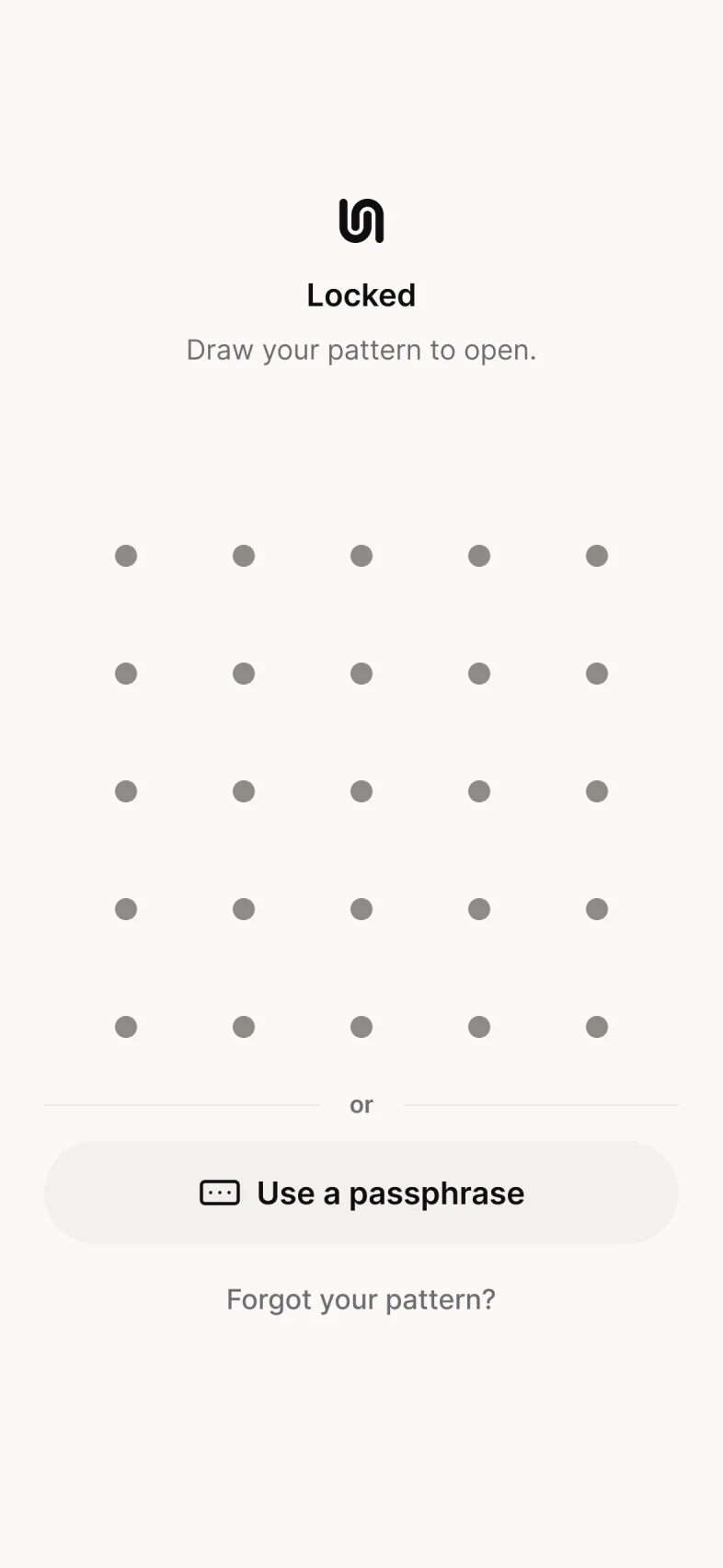
Locks the moment you leave
Leave Underlock, even for a second, and the vault locks. In App settings, you can choose 1 or 5 minutes instead.
Language
Lock and hide
Keep anything
Learn and try
Setup and support
Everything you add to Underlock is encrypted on your iPhone before it’s saved. We never receive your files, your pattern or your keys, so there’s nothing for us to see.
Coming soon to the App StorePhotos, videos, files and notes are encrypted on your iPhone before they’re saved, and so are their names and dates. Without your pattern, your passphrase or your recovery phrase, your files are unreadable. A passphrase is words you type instead of drawing a pattern. Your recovery phrase is the 12 words you wrote on paper at setup. If you turn on Face ID in a vault, your face opens that vault too.
Leave Underlock, even for a second, and the vault locks. In App settings, you can choose 1 or 5 minutes instead.
Switch apps, and a plain cover hides what’s on screen.
Underlock never asks who you are, and never reports how you use it.
No. Your files are encrypted on your iPhone before they’re saved, and we never receive your files, your pattern or your keys.
Yes. Names and dates are encrypted along with the files.
Yes. Every vault is encrypted, on Free and on Pro.
The Security page explains the encryption step by step. Security
Free for one vault, with no file limit. No account, no email.
For iPhone with iOS 17 or later.