
Get a photo back from Recently Deleted
When you delete a photo or video in the Photos app, the photo moves to Recently Deleted. Recently Deleted keeps the photo for 30 days. After 30 days, the photo is deleted for good.
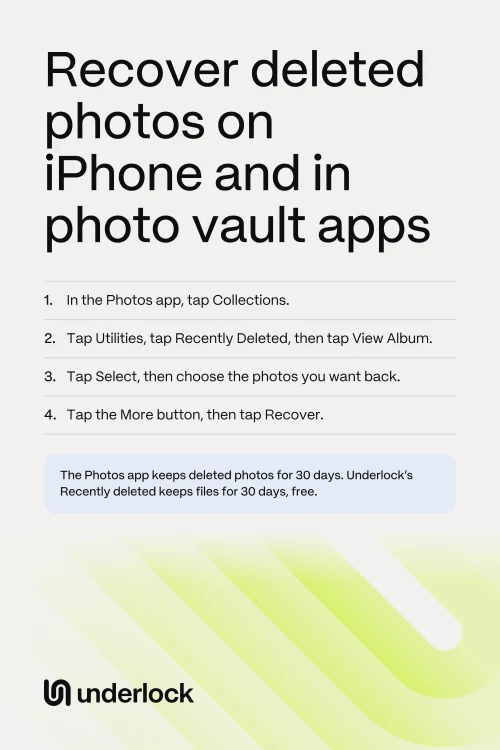
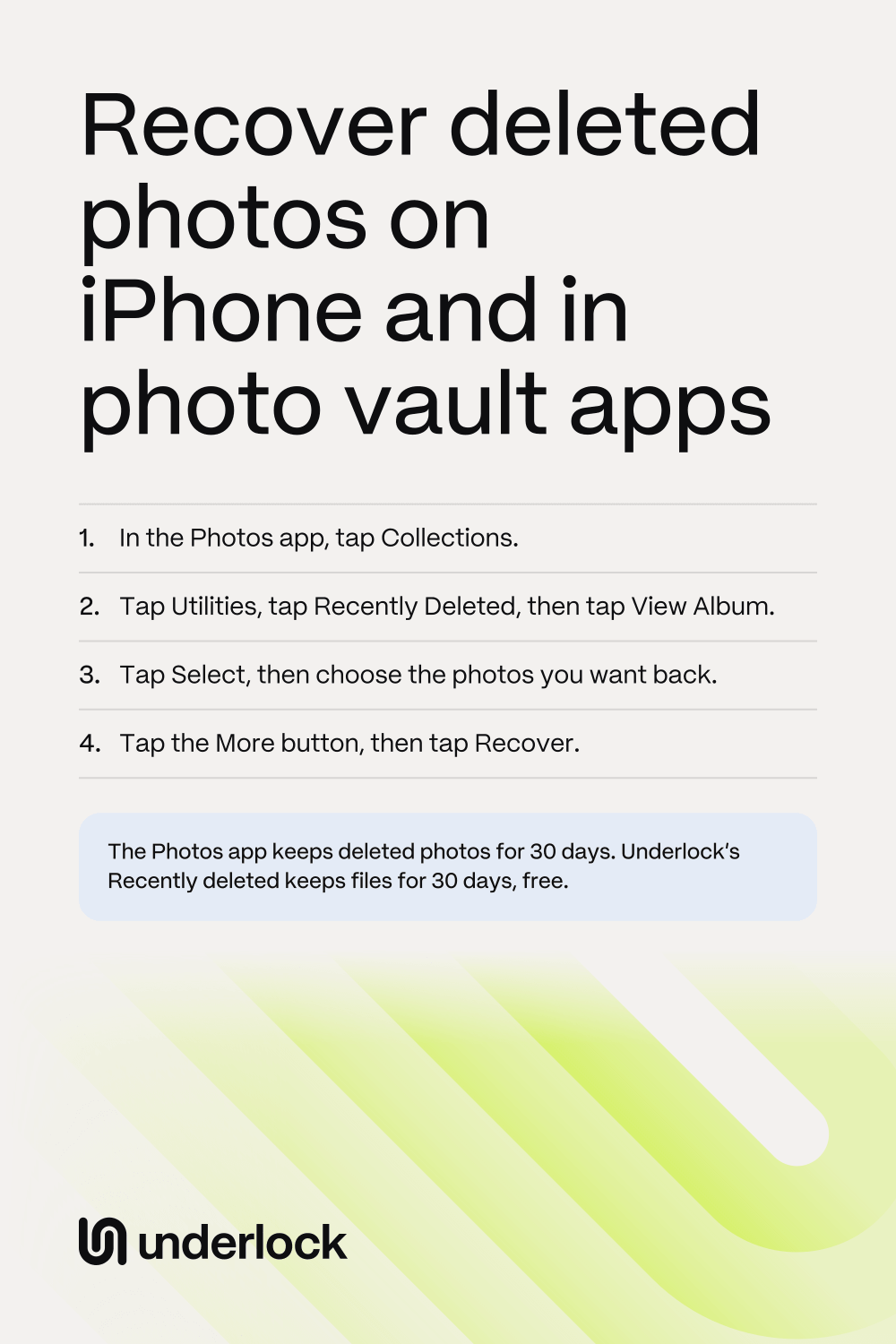
- In the Photos app, tap Collections.
- Scroll down to Utilities.
- Tap Utilities.
- Tap Recently Deleted.
- Tap View Album.
- Use Face ID, Touch ID or your iPhone passcode.
- Tap Select.
- Tap the photos you want back.
- Tap the More button (three dots).
- Tap Recover. If your iPhone asks you to confirm, tap Recover again.
The photos go back to your library. No Collections button? Your iPhone runs an older iOS. If you see Albums, tap Albums, then scroll down to Utilities. If you don’t see Albums, scroll down the main Photos screen to Utilities.
Not in Recently Deleted?
A photo may be missing from Recently Deleted for one of these reasons:
- More than 30 days have passed. After 30 days, the Photos app deletes a photo for good.
- The photo was deleted from Recently Deleted too. Apple says you can’t get back a photo you delete from Recently Deleted. That includes photos you delete with Delete All.
- The photo was in a Shared Library. If you share an iCloud Shared Photo Library with family or friends, only the person who added a photo can recover the photo. If someone else added the photo, ask that person to recover it.
- The photo is hidden, not deleted. A hidden photo shows only in the Hidden album. To find the Hidden album, see Hidden album not showing on iPhone?
If you see Recovered under Utilities, look in Recovered too. Recovered holds photos that the Photos app couldn’t save properly. To keep a photo from Recovered, tap the photo, then tap Restore to Library.
Deleted photos in a vault app
A vault app, like Keepsafe, keeps photos behind a lock of its own, apart from the Photos app. So a photo you delete inside a vault app doesn’t go to Recently Deleted in the Photos app. The photo goes to the vault app’s own trash, if the vault app has one.
- Look in the Photos app first. When you add photos to a vault app from the Photos app, the vault app saves its own copy. Deleting the copy in the vault app leaves the original in the Photos app. So look for the original in your library. If the original was deleted from the Photos app too, look in Recently Deleted: deleted photos wait in Recently Deleted for 30 days.
- Then look in the vault app’s trash. Look in the app’s menus and settings for a Trash. If you can’t find a Trash, ask the company that makes the app. Open the app’s page in the App Store. Scroll down, then tap App Support.
If the vault app won’t open at all, see what to do when a vault app isn’t working.
Get photos back from Keepsafe’s Trash
Keepsafe moves the photos you delete to its Trash. When you delete an album in Keepsafe, the photos in the album go to the Trash too. Getting photos back from the Trash needs Keepsafe Premium.
- In Keepsafe, open the settings, in the bottom left corner.
- Open the Trash.
- Select the photos, then tap Recover.
- Choose an album for the photos.
Keepsafe’s help doesn’t say how long the Trash keeps photos. Keepsafe says a photo deleted from the Trash can never be recovered.
Recently deleted in Underlock
We make Underlock, a private vault for photos, videos, files and notes. Underlock keeps deleted files in its own Recently deleted, inside your vault, separate from the Photos app’s Recently Deleted. Underlock’s Recently deleted keeps files for 30 days, free. When you delete a file in Underlock, a banner offers Undo straight away.
Underlock is coming soon to the App Store. Here’s how it will work.

- Open Underlock. Draw your pattern to open your vault.
- Tap Folders.
- Tap Recently deleted, below your folders.
- Tap Select.
- Tap the files you want back.
- Tap Recover.
Each file in Underlock’s Recently deleted shows how many days the file has left. After 30 days, the file is deleted for good. To delete a file for good sooner, select the file, then tap Delete now.
Questions people ask
For 30 days. Deleted photos wait in Recently Deleted, in the Photos app. After 30 days, the Photos app deletes the photos for good. To delete a photo sooner, see how to permanently delete photos.
No. Apple says you can’t get back a photo you delete from Recently Deleted.
Only an older backup that holds the photo. If you use iCloud Photos, your photos aren’t in your iCloud backup, because iCloud Photos keeps them instead. Restoring a backup is a big step: Apple says to erase your iPhone first, and your iPhone then goes back to how it was on the day of the backup.
Yes, if you use iCloud Photos. Deleting the photo on your iPhone deletes the photo on your other devices and in iCloud too. For 30 days, you can still recover the photo from Recently Deleted. To free up space on your iPhone without deleting from iCloud, see what works instead.
From Keepsafe’s Trash: open Keepsafe’s settings, then the Trash. Select the photos, then tap Recover. Getting photos back from the Trash needs Keepsafe Premium.
Yes. Underlock is free forever: one vault, no file limit. If the free plan ever changes, you keep the plan you started with. More vaults come with Pro, Underlock’s paid plan.