
While you wait, keep the app and your photos
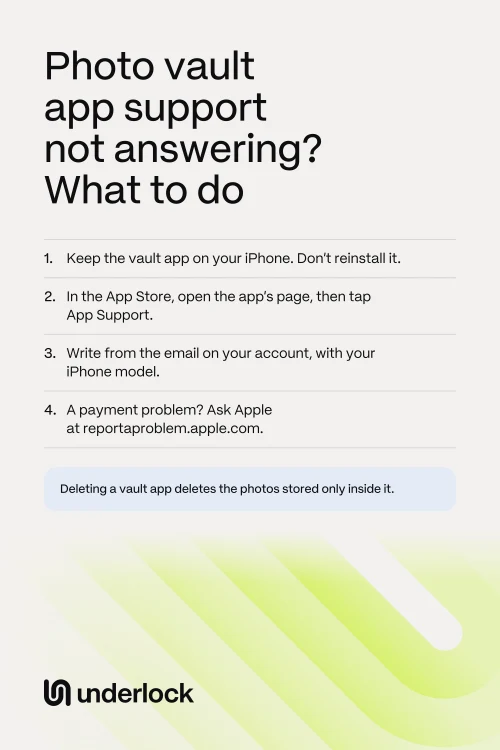
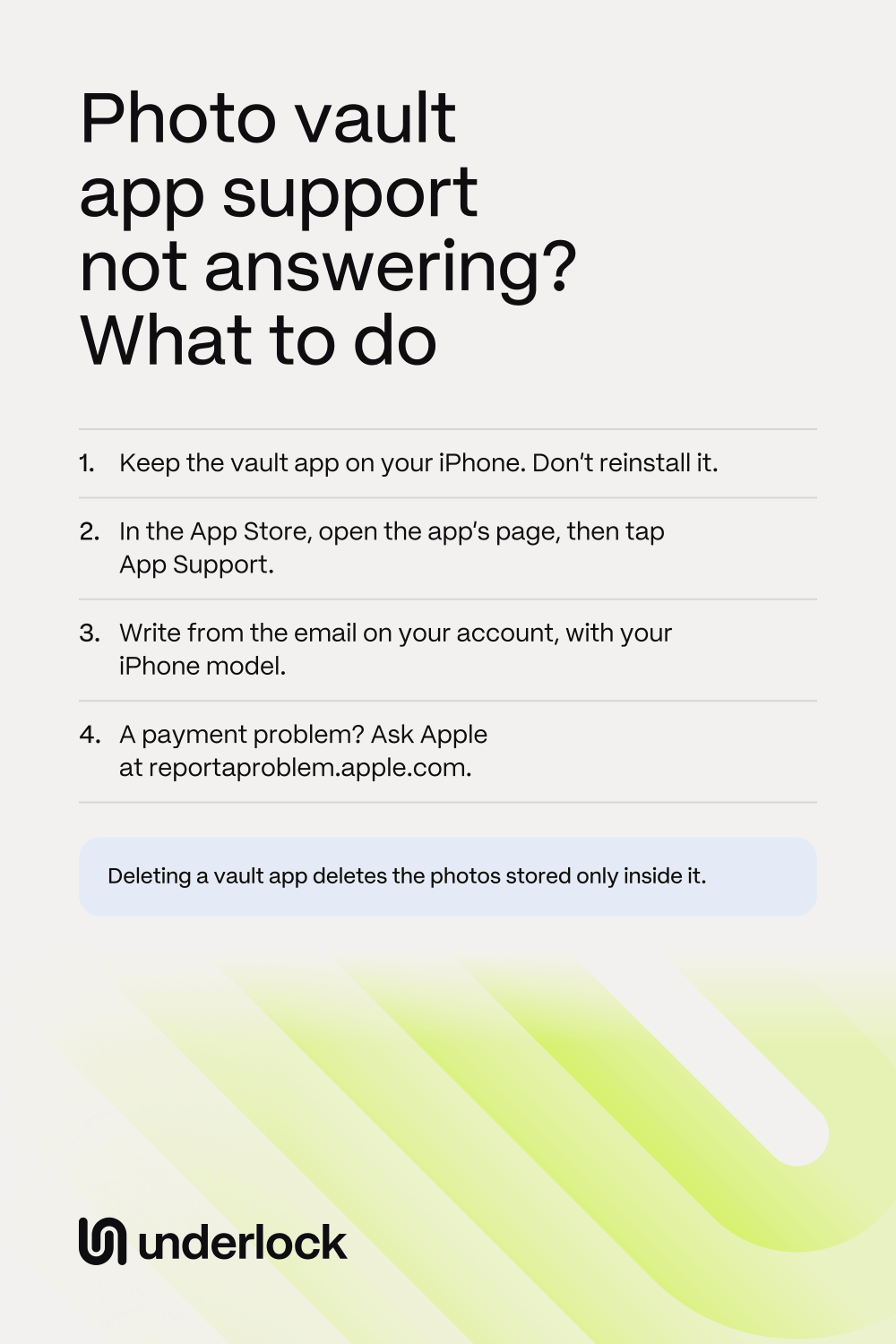
Don’t delete or reinstall the vault app while you wait for an answer. Deleting a vault app deletes the photos stored only inside it. When you download the app again, only photos it had backed up online come back. Private Photo Vault asks you to contact it before you delete or reinstall its app. While you wait:
- If the app opens, save your photos out. Save the photos you can’t lose to the Photos app. Each vault app has its own buttons: see how to save photos out of a vault app.
- If the app won’t open, see what to try first. None of those steps deletes the app.
- Paying for the app? Save your photos before you cancel. Some vault apps delete their backup when a paid plan ends. See what can change when you stop paying.
- Note what you see. Write down the exact words on the screen, and the day the problem started. You’ll need both for your message.
Find the right place to write
Every app’s page in the App Store links to the company that makes the app. To find the link:
- Open the App Store. Search for the vault app.
- Tap the vault app to open the app’s page.
- Scroll down to Ratings & Reviews, then tap App Support.
- On the page that opens, look for a contact form or an email address.
Don’t see App Support? Apple says to check that you’re signed in with the Apple Account you used to get the app. Some vault apps also have a contact button in their own settings. And some companies list an email address at the end of the app’s description, in the App Store.
What to put in your message
Put these in your message:
- The email address on your account, if the app has accounts. Write from that address. Keepsafe says it can’t help when you write from an address with no Keepsafe account.
- Your iPhone model and iOS version. To find both, open the Settings app. Tap General, then tap About.
- The app’s version, and what happened. Say what you see on the screen, when it started and what you’ve tried. Private Photo Vault asks for these.
- One clear question. For example: “Are my photos backed up?” or “How can I save my photos out of the app?”
Leave out your PIN, your password and your private photos. Private Photo Vault asks you to leave these out too. Then send your message. Each company’s reply time is in the list below.
Where 5 apps say to write
Here is where each company’s own pages say to write. A company can change its contact details, so check the app’s support page too.
- Keepsafe. If Keepsafe opens, go to Keepsafe’s Settings, then Help & Info, then Contact Support. Keepsafe prefers you to write from the app. Or email support@getkeepsafe.com from the address on your Keepsafe account. Keepsafe asks you to wait 24 hours before you follow up. Keepsafe’s refund page says Keepsafe doesn’t offer refunds. For money you paid through the App Store, see what Apple can do.
- Private Photo Vault. Fill in the form on the Support page of the company’s website, privatephotovault.com/support. Or email support@privatephotovault.com. The company says it replies as soon as possible.
- Hide It Pro. Its website and its App Store page list an email address, premium@hideitpro.com. They also list its accounts on X (Twitter) and Facebook, both called hideitpro.
- Calculator#. In the App Store, this app is called Calculator# Hide Photos Videos. The company that makes it, NewSoftwares, lists support@newsoftwares.net and a form on its Contact page, newsoftwares.net/contact. In the form, choose Support, then Calculator# (NS Vault). NewSoftwares says it replies to every email within 24 hours on weekdays.
- Google Photos, for Locked Folder. The App Support link opens the Google Photos Help Center. It has help articles, and a help community where other people answer. Google says Google One members can also reach Google One support by chat, phone call or email. In the Google One app, tap Menu, then Google One Help Center. Under Need more help?, tap Contact us.
Only Google lists a phone line, and only for Google One members. The other 4 list an email address. Private Photo Vault and NewSoftwares also have a form.
What Apple can do
For a problem inside the app, Apple’s help sends you to the company that makes the app. For money you paid through the App Store, Apple can help. You can ask Apple for a refund:
- Sign in to reportaproblem.apple.com with your Apple Account.
- Tap I’d like to, then choose Request a refund.
- Choose why you want a refund, then tap Next.
- Choose the vault app or its subscription, then tap Submit.
Apple says some purchases might be eligible for a refund. Apple asks you to wait 24 to 48 hours for an update.
If the company seems to be gone
Sometimes no answer comes because nobody works on the app any more. A support page that doesn’t load, or an email that comes back, can be signs. On the app’s page in the App Store, Version History shows when the app was last updated. If the company seems gone, take these steps, in this order:
- While the app still opens, save every photo and video you want to keep to the Photos app. See how to get your photos out of a vault app.
- In the Photos app, tap Collections, then tap Recently Saved, under Utilities. Check that your photos are there, and that they open.
- Once your photos are saved, stop paying. Open the Settings app, tap your name, then tap Subscriptions. Cancel the vault app’s subscription.
Keep the app on your iPhone until every photo is saved. Is the app gone from the App Store? See what happens to an app that’s no longer in the App Store.
If you need help with Underlock
We make Underlock, a private vault for photos, videos, files and notes. You open your vault by drawing a pattern on a grid of dots.
Underlock is coming soon to the App Store. Here’s how it will work.
- To reach us, write to hello@underlock.app.
- There’s no account to reset. Underlock has no account and asks for no email. So we don’t have your name or email, unless you write to us.
- Nobody can open your vault for you. If you lose both your pattern and your 12 words, nobody can open your vault, not even us. Your 12 words are the recovery phrase Underlock asks you to write on paper at setup.
- You can open your files without ever contacting us. Your vault opens on your iPhone, with your pattern. You can share files out of your vault at any time, and if Pro ends, everything stays usable.
- Refunds go through Apple. Pro is sold through the App Store, so refunds are Apple’s decision, at reportaproblem.apple.com.
Questions people ask
Of the 5 apps on this page, only Google lists a phone line, and only for Google One members. Keepsafe, Private Photo Vault, Hide It Pro and Calculator# list an email address. See where each app says to write.
Wait for the time the company gives. Keepsafe asks for 24 hours before you follow up. NewSoftwares, which makes Calculator#, says it replies within 24 hours on weekdays. Private Photo Vault says as soon as possible. Keep the app on your iPhone while you wait.
Apple’s help doesn’t offer that. For a problem inside an app, Apple’s help sends you to the company that makes the app. Apple can help with a refund for money you paid through the App Store.