What Apple says happens to an app that leaves the App Store
An app can leave the App Store in 2 ways. Apple says what happens to people who already have the app:
- The company takes the app off the App Store. Apple’s help for app makers says people who already downloaded the app keep getting its updates. They can download the app again from their purchases, as long as the company’s agreement with Apple stays active.
- Apple removes the app. Apple removes apps that no longer work as intended, break its rules, or are out of date. Apple tells app makers that their app keeps working fully for people who already have it.
So the risk isn’t the app on your iPhone. The risk is getting the app back once it’s gone from your iPhone. Apple’s pages don’t cover apps that need the company’s servers, for example to log in or to back up. Those parts of an app can stop working if the company closes.
If the app is still on your iPhone
Your photos are still in the app. Take these steps, in this order:
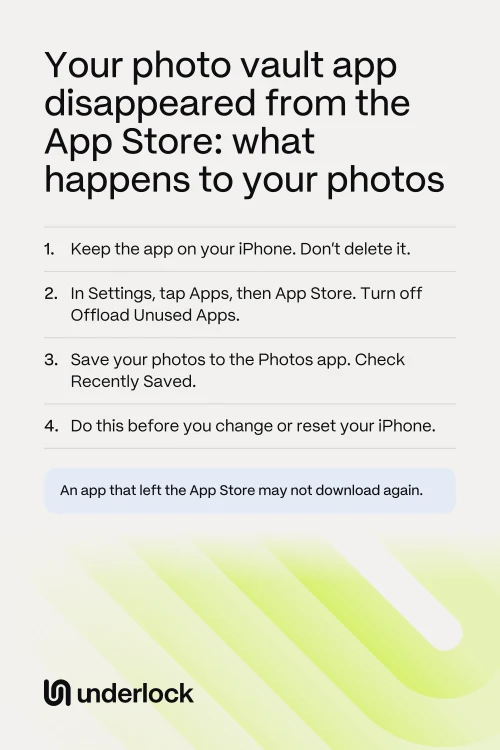
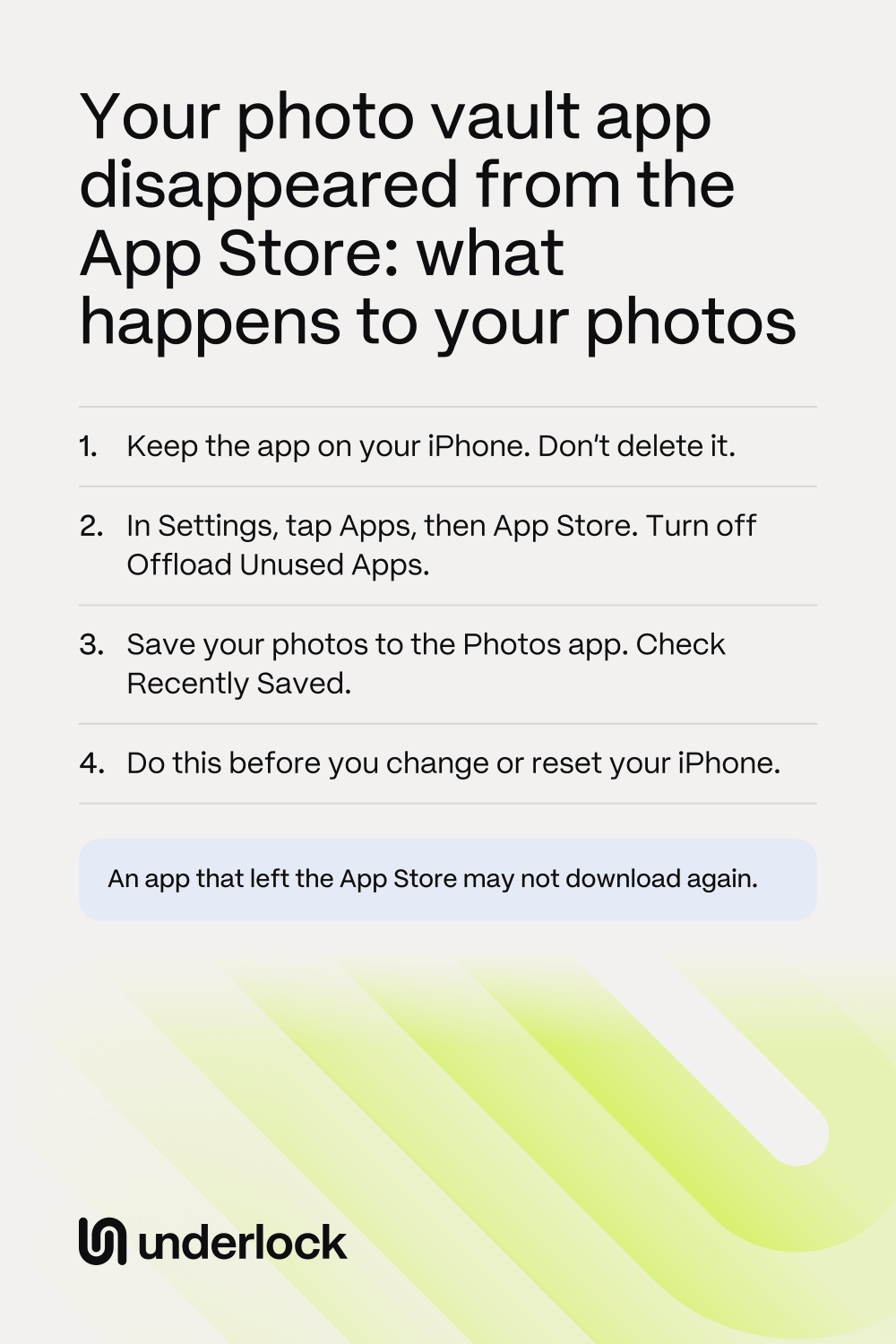
- Keep the app on your iPhone. Don’t delete it, because you may not be able to download it again.
- Open the Settings app. Tap Apps, then tap App Store. Turn off Offload Unused Apps, so your iPhone doesn’t remove the app by itself when storage runs low.
- Open the vault app. Check that your photos open.
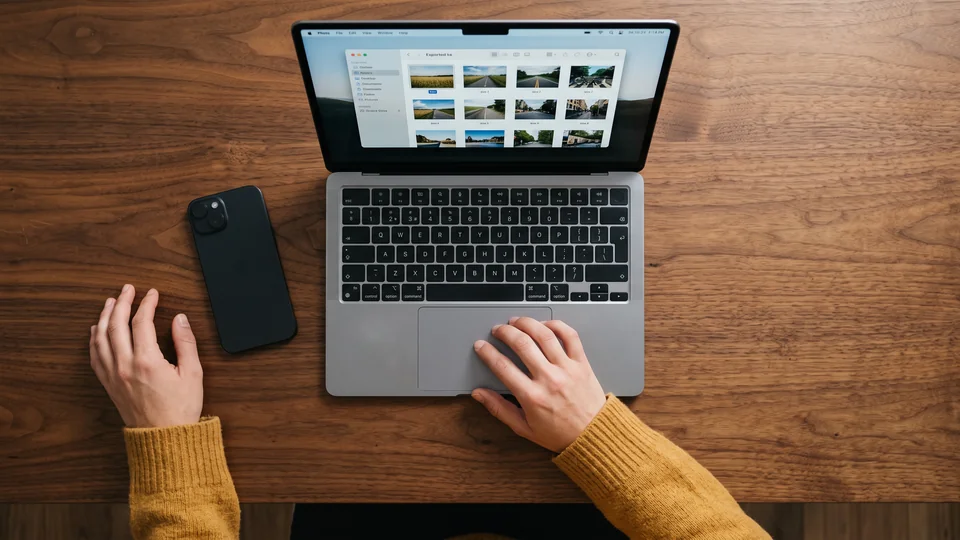
- Save your photos to the Photos app. See how to get your photos out of a vault app.
- In the Photos app, tap Collections, then tap Recently Saved. Check that your photos are there.
Once your photos are saved and checked, your copies in the Photos app no longer depend on the vault app. Still paying for it? See what to do before you cancel.
If the app shows a cloud symbol
A cloud symbol by the app’s icon means your iPhone removed the app to save space, but kept the app’s documents and data. Apple calls this offloading. So your photos are still on your iPhone. Tapping the icon downloads the app again from the App Store.
- Tap the icon. If the app comes back, save your photos out right away.
- If the app doesn’t come back, open the App Store. Tap your picture at the top of the screen. Tap Apps & Purchase History, then tap Your Apps.
- Tap Not on this iPhone, then look for the vault app. If you see the Redownload button next to the app, tap it.
- Still can’t get the app? Keep the icon. Don’t delete the app, because deleting it deletes the photos in the app’s data. Then ask the company that makes the app what you can do.
Not sure whether the app was offloaded or deleted? See what deleting and offloading do.
Before you change or reset your iPhone
Setting up a new iPhone from a backup downloads your apps again. Apple’s pages don’t say what happens then to an app that left the App Store. The same goes for moving straight from your old iPhone. Erasing your iPhone deletes the app and its data. So before you change or erase your iPhone:
- Save your photos out of the app, and check them in the Photos app.
- Don’t erase your old iPhone until your photos open on the new one.
- Used the app’s own backup? Ask the company whether that backup still works, and how to get your photos from it. Don’t count on it until the company answers.
For the rest of the move, see before you sell, trade in or hand down your iPhone.
Is the app really gone?
Before you worry, check these 3 things:
- Search the App Store for the exact name. Then look in your purchases too: tap your picture, then Apps & Purchase History, then Your Apps.
- The app may have a new name. Private Photo Vault, for example, says it renamed its separate Pro version to SV and gave it a new icon.
- The icon may have moved. An app taken off your Home Screen goes to App Library, and nothing is deleted. Swipe left past your last Home Screen page to find App Library.
Reaching the company, and paying
Ask the company that makes the app before you delete anything. Here’s how to reach it, and what to do about money:
- From the App Store. Find the app in your purchases, as above. On the app’s page, scroll down to Ratings & Reviews, then tap App Support.
- From the app. Look in the vault app’s own settings for a way to contact the company.
- If you still pay for the app. Open the Settings app, tap your name, then tap Subscriptions. Cancel only after your photos are out, because some vault apps delete their backup when a paid plan ends.
- If you paid for something you can’t use. Go to reportaproblem.apple.com and sign in. Choose I’d like to, then Request a refund. Apple decides on refunds.
If you use Underlock
We make Underlock, a private vault for photos, videos, files and notes. You open your vault by drawing a pattern on a grid of dots.
Underlock is coming soon to the App Store. Here’s how it will work.
- Your photos can always come back out. You can share any photo, video, file or note out of your vault, Pro or not.
- No account to log in to. Underlock asks for no account and no email. We never receive your files, your pattern or your keys.
To save a photo out of Underlock, open the photo, then tap Share. See the steps.
Questions people ask
If the app is still on your iPhone, Apple says it keeps working. What you may lose is the way to download it again.
Maybe. Apple says an app can be downloaded again from your purchases, as long as the company’s agreement with Apple stays active. You can’t check that yourself, so save your photos out while the app is on your iPhone.
Apple’s pages don’t promise that an app that left the App Store comes to a new iPhone. So save your photos to the Photos app first. Keep your old iPhone until your photos open on the new one.
Look for the app in your App Store purchases, and download it again if you can. If you can’t, only a backup made before you deleted the app can bring the photos back. Ask the company that makes the app. See what to try after a delete.
Check in the Settings app: tap your name, then tap Subscriptions. If the vault app is there, cancel once your photos are out.