Where a vault app’s backup can be
A vault app keeps your photos on your iPhone. The app’s cloud is a second copy online, called a backup. A vault app’s backup can be in these places:
- On the company’s own servers. You make an account with the company, and the app uploads your photos to the company. Keepsafe and Private Photo Vault work this way.
- In a cloud account of yours. The app uploads to your own iCloud, Google Drive, Dropbox or OneDrive. The backup then uses that account’s storage. Calculator# works this way. Google Photos backs up its Locked Folder to your Google Account.
- In your iPhone’s own backup. A vault app’s files can go into your iPhone’s backup too, unless the app keeps them out. Private Photo Vault says encrypted copies of its files may be on Apple’s servers, if your iPhone backs up to iCloud. See what’s in your iPhone backup.
So your photos end up on someone’s servers: the vault company’s, or Apple’s, Google’s, Dropbox’s or Microsoft’s. The next question is who can open them there.
Who can see the photos in the cloud
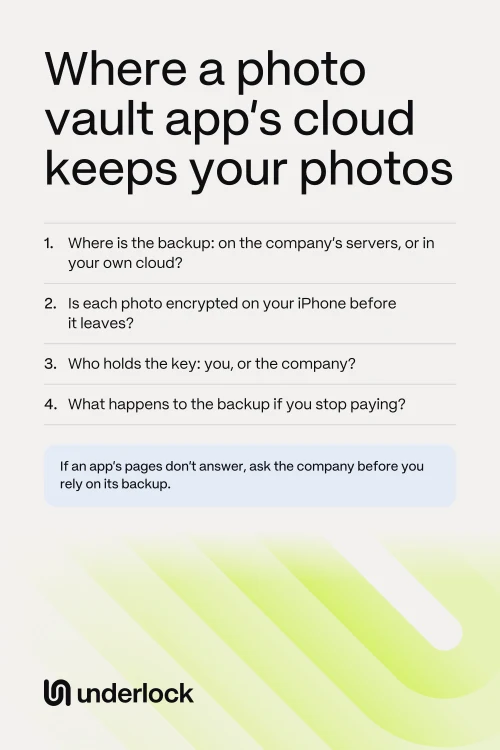
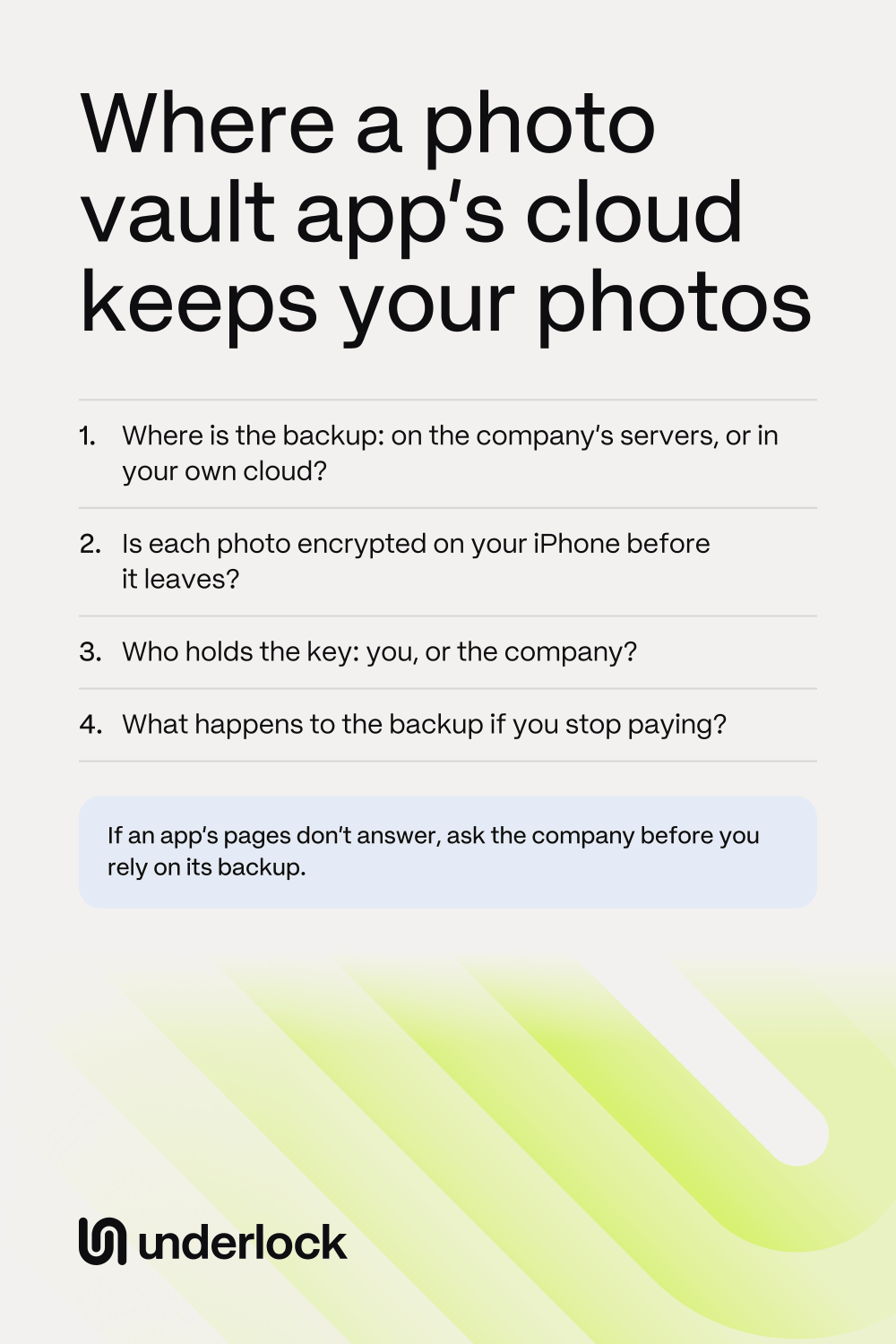
The company that stores your backup can see your photos if it has the key to them. Encrypted means scrambled, and the key is what unscrambles them. So look for 2 answers on the company’s pages:
- Is each photo encrypted on your iPhone, before it’s uploaded? If photos are encrypted only once they reach the company’s servers, the company can unscramble them.
- Who holds the key? Some apps make the key from a password that only you know. Then the company can’t open your backup. If the company holds the key, the company can open your backup.
Your own iCloud works the same way. With Apple’s standard protection, Apple holds the keys to the data apps keep in your iCloud. So Apple can unscramble that data, for example to help you recover it. If a vault app encrypts each photo on your iPhone first, Apple gets only scrambled photos. See who holds the keys to your iCloud.
What 5 apps say about their cloud
Here is what each company says on its own pages, for 4 vault apps and for the Locked Folder in Google Photos. A company can change how its cloud works, so check the app’s own pages before you rely on them.
- Keepsafe. Keepsafe backs up to what it calls your private Keepsafe cloud, which you open with your Keepsafe account. Keepsafe says it encrypts your files and its backups. Its pages don’t say who holds the key to the backups. Keepsafe says it doesn’t look at your photos unless you ask. But it also says it can technically view your data in limited cases: if you ask for help, if the law requires it, or if it’s concerned about a breach of its terms. If your Premium plan ends, Keepsafe says all your photos stay in the app, but only 200 stay backed up. The rest no longer have a backup.
- Private Photo Vault. Its backup, called Cloud Vault, is part of its Premium plan and needs an account. The company says the app encrypts each file on your iPhone before the file reaches its servers. The key comes from your Cloud Vault password, which the company never receives. So the company says its team can’t see the photos in your backup, or recover that password. If Premium ends and you switch to Basic, the company says your Cloud Vault backup is deleted. Photos stored in the app on your iPhone stay.
- Hide It Pro. Its App Store page offers a backup on cloud storage, with a monthly subscription for more space. Its pages don’t say where that backup is kept, whether it’s encrypted, or what happens to it if you stop paying. Its privacy policy, dated 2018, says the company has no access to your photos.
- Calculator#. In the App Store, this app is called Calculator# Hide Photos Videos. Its App Store page says it backs up to your own iCloud, Dropbox, Google Drive or OneDrive. The privacy policy of NewSoftwares, the company that makes it, says those backups are encrypted and never reach the company. Its pages don’t say what changes for the backup when a paid plan ends.
- Google Photos, for Locked Folder. With Locked Folder backup on, Google backs up your Locked Folder to your Google Account, and the backup counts toward your Google storage. Google says it encrypts your photos on the way to its data centers, and while it stores them. It says backed-up photos are viewable only by you on your signed-in devices, unless you share them. Google’s privacy policy also says automated systems analyze your content, for example to detect abuse. Google’s pages don’t say whether that includes Locked Folder.
If you stop paying, or your cloud is full
In some vault apps, the backup is part of the paid plan, as above. Your own cloud account has its own limits too:
- iCloud. Apple says that when you run out of iCloud storage, your iPhone won’t back up to iCloud, and iCloud apps won’t stay up to date. So a vault app’s backup to your iCloud can stop too.
- Google. Google says that over your storage limit, you can’t back up photos and videos to Google Photos. After 2 years over the limit, your content may be removed. Google says it gives you at least 3 months’ notice first.
Before you cancel a vault app’s plan or a storage plan, save the photos you can’t lose to the Photos app. See what to check before you stop paying.
Where Underlock keeps your photos
We make Underlock, a private vault for photos, videos, files and notes. You open your vault by drawing a pattern on a grid of dots. Everything you add to your vault is encrypted on your iPhone before Underlock saves it.
Underlock is coming soon to the App Store. Here’s how it will work.
- We never have access to your files. We never receive them, or your pattern, or your keys.
- Your vault’s files are in your iPhone’s backup. The files are still encrypted, so your iPhone’s backup holds nothing readable from your vault.
Questions people ask
It depends on the app. If the app encrypts your photos on your iPhone, with a key the company never gets, the company can’t see them. Private Photo Vault says its team can’t see Cloud Vault backups. Keepsafe says it can technically view your data in limited cases. See what 5 apps say.
Cloud Vault is Private Photo Vault’s backup. It’s part of the Premium plan, and needs an account and an internet connection. The company says each file is encrypted on your iPhone before upload. If you switch to Basic after Premium ends, the company says the Cloud Vault backup is deleted.
Only if the app backs up to your iCloud. Then the backup uses your iCloud storage, like other app data. A backup on the company’s own servers doesn’t use your iCloud storage. The company can set its own limit instead, like the 200 items Keepsafe’s free plan backs up.
On your iPhone. Everything you add to your vault is encrypted on your iPhone before Underlock saves it. We never receive your files, your pattern or your keys.