
Offloading keeps your photos. Deleting doesn’t.
Deleting an app, offloading an app and removing an app from your Home Screen sound alike. Only deleting takes away the app’s data, and in a vault app, that data includes your photos.
- Deleting. Deleting an app removes the app and its data from your iPhone.
- Offloading. Offloading an app frees up the space the app takes, but keeps the app’s documents and data on your iPhone. The app’s icon stays on your Home Screen, with a cloud symbol. Tapping the icon downloads the app again, and the app opens with its data still there.
- Removing from the Home Screen. The app moves to App Library, and nothing is deleted.
When storage runs low, your iPhone offloads apps you don’t use, if the Offload Unused Apps switch is on. The switch is in the Settings app, under Apps, then App Store.
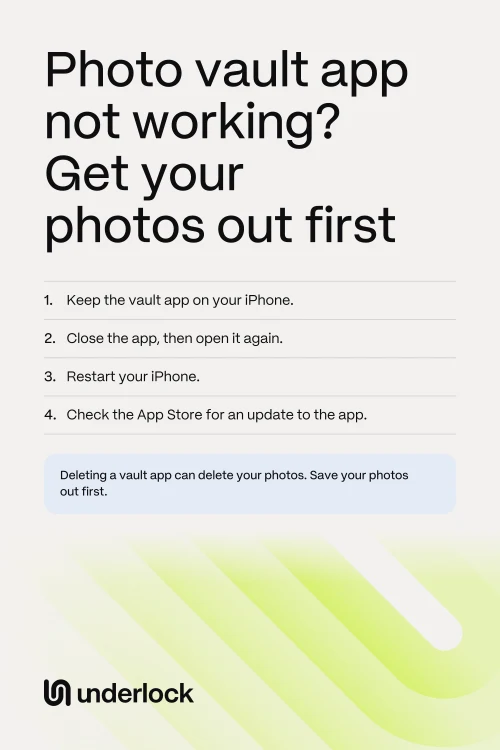
Try the fixes that keep your photos
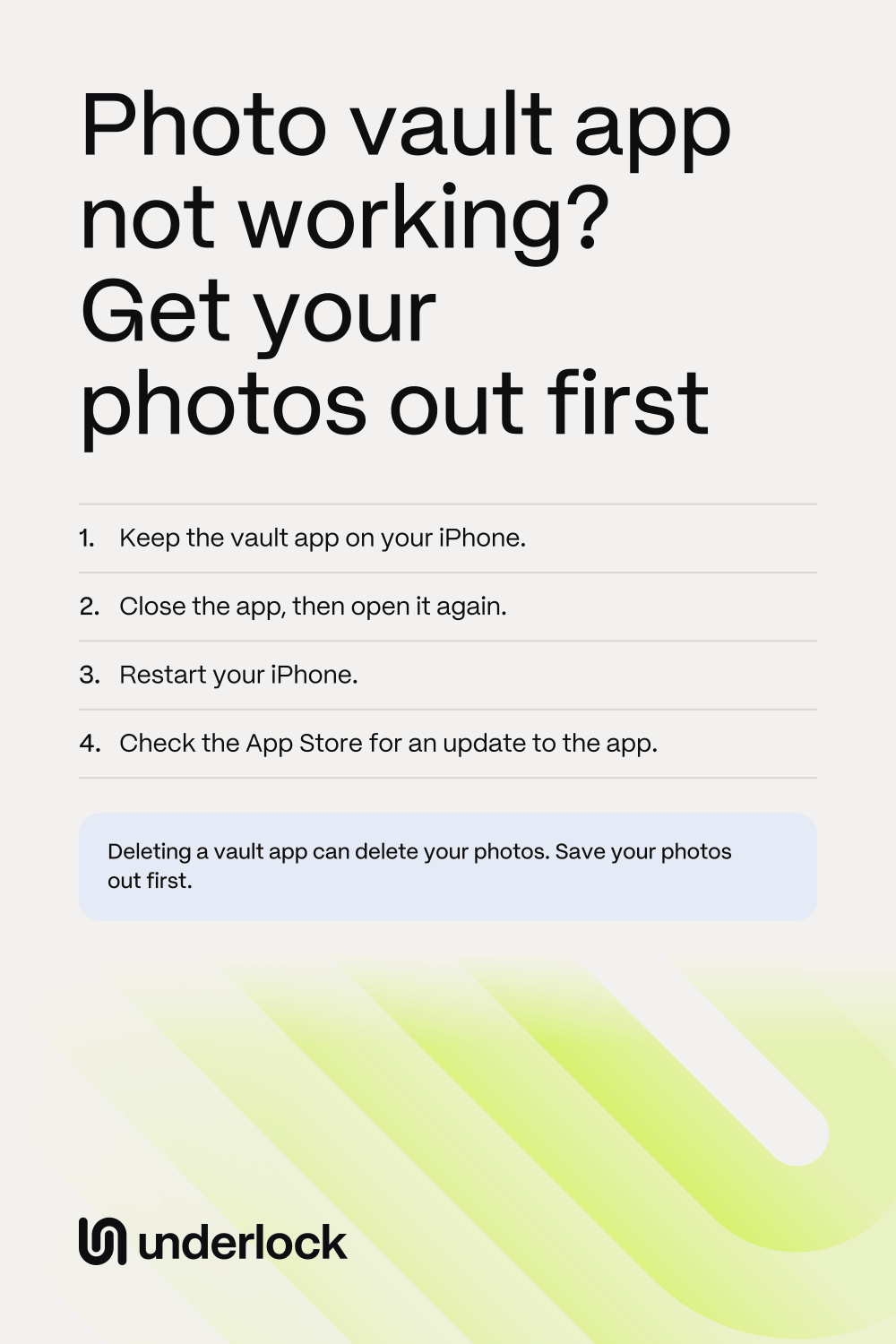
Apple suggests these fixes, in this order, when an app stops working. If there’s a cloud symbol by the vault app, your iPhone offloaded the app. Tap the icon. Your iPhone downloads only the app, and the app’s data is still there.
- On an iPhone with Face ID, swipe up from the bottom of the screen, pause in the middle, then lift your finger. On an iPhone with a Home button, press the Home button twice, quickly. Your open apps appear.
- Swipe right until you find the vault app. Swipe up on the vault app to close it. Then open the vault app again.
- If the vault app still doesn’t work, restart your iPhone. Press and hold the side button and either volume button until a slider appears. On an iPhone with a Home button, press and hold only the side button. Drag the slider. Wait 30 seconds. Then press and hold the side button until you see the Apple logo.
- If the vault app still doesn’t work, update the app. Open the App Store, then tap your picture. Tap App Updates. If the vault app is in the list, tap Update next to the vault app.
- If there’s no update for the vault app, update iOS. Open the Settings app, tap General, then tap Software Update.
Apple lists one more fix after these: deleting the app and downloading it again. Skip that fix, because Apple warns that you might lose data stored in the app. In a vault app, that data includes your photos. If the app still won’t open, ask the company that makes the app instead.
Save your photos out of the app
As soon as the vault app opens and stays open, save your photos to the Photos app before you try anything else. Each vault app has its own buttons, but the steps go like this:
- In the vault app, open an album.
- Choose the photos you want to save.
- Tap the app’s button for exporting or saving photos.
- Choose the Photos app as the place to save the photos. Some apps call the Photos app the camera roll.
- In the Photos app, tap Collections, then tap Recently Saved, under Utilities. Check that your photos are there.
- Do the same for every album in the vault app, and for your videos. Look in the app’s trash too, for photos you deleted but still want.
In Keepsafe, the button is the send icon. Tap Select, then choose the photos. Tap the send icon, then tap Export to Camera Roll. Photos you save show in your library with your other photos. To keep the photos out of sight for now, hide the photos in the Photos app.
If the app still won’t open
Ask the company that makes the vault app for help, before you delete anything. You can reach the company from the app’s page in the App Store:
- Open the App Store. Search for the vault app.
- Tap the vault app to open the app’s page.
- Scroll down to Ratings & Reviews, then tap App Support.
Tell the company that the app won’t open. Ask how you can save your photos, and whether the app keeps a backup of your photos. Private Photo Vault’s own help asks you to contact its team before you delete or reinstall the app. Keepsafe’s own help says that deleting Keepsafe loses any photos Keepsafe hasn’t backed up to its cloud.
Switch from another vault app to Underlock
We make Underlock, a private vault for photos, videos, files and notes. You open your vault by drawing a pattern on a grid of dots, and your iPhone passcode doesn’t open your vault. If you forget your pattern, your recovery phrase gets you back in: 12 words you write on paper at setup.
Underlock is coming soon to the App Store. Here’s how it will work.

- Save your photos from the old app to the Photos app, as in Save your photos out of the app.
- Open Underlock. Tap the Add button (a plus sign), then tap Import from Photos.
- Choose the photos. Keep Underlock open until the import finishes.
- Underlock asks whether to remove the photos from the Photos app, now that your vault has its own copy. Tap Remove. Confirm when your iPhone asks. The photos wait in Recently Deleted, in the Photos app, for 30 days, so nothing is lost yet.
- Check that your photos are in your vault.
- Then delete those photos from Recently Deleted too, because anyone with your passcode can open Recently Deleted.
- In the old app, delete the photos you moved. Then delete the old app, if you no longer need it.
Your photos can come back out of Underlock too: you can share any photo, video, file or note out of your vault. New to Underlock? See how Underlock’s setup works, step by step.
Questions people ask
Close the app and open it again. If the app still crashes, restart your iPhone, then update the app. Keep the app on your iPhone while you try, because deleting a vault app can delete your photos.
The app has been offloaded. Your iPhone removed the app to save space, but kept the app’s documents and data. Tap the icon to download the app again. If the App Store no longer has the app, the icon can’t bring the app back, so ask the company that makes the app.
Try the fixes on this page, and keep Keepsafe on your iPhone: Keepsafe says that deleting the app loses any photos it hasn’t backed up to its cloud. Once Keepsafe opens, export your photos with the send icon, then Export to Camera Roll. For a payment screen, missing pictures or blurry photos, see what to try in Keepsafe.
Try the fixes on this page. Private Photo Vault’s own help asks you to contact its team before you delete or reinstall the app. If you can’t find the app on your Home Screen, look in App Library. For a payment screen, a login problem or missing photos, see what to try in Private Photo Vault.
Yes. You can share anything out of Underlock, Pro or not. Pro is Underlock’s paid plan. Open the photo, then tap Share. Underlock asks you to confirm, with a Remove location switch that is on. To keep where the photo was taken, turn the switch off. Tap Share again, then tap Save Image to save the photo to the Photos app.