
What can change when a paid plan ends
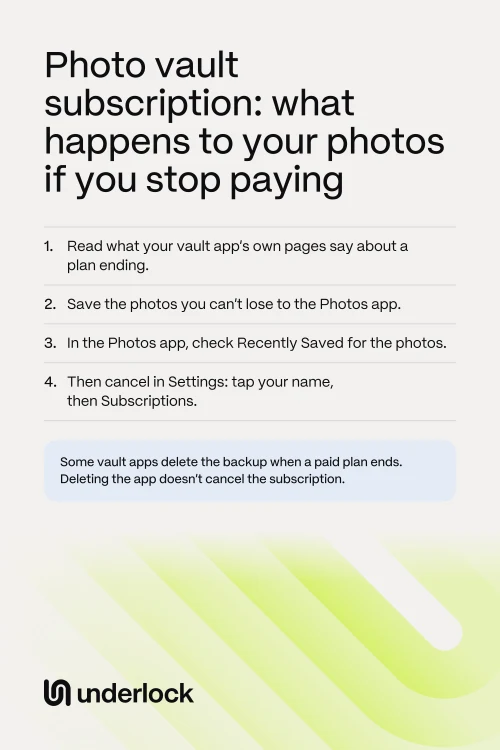
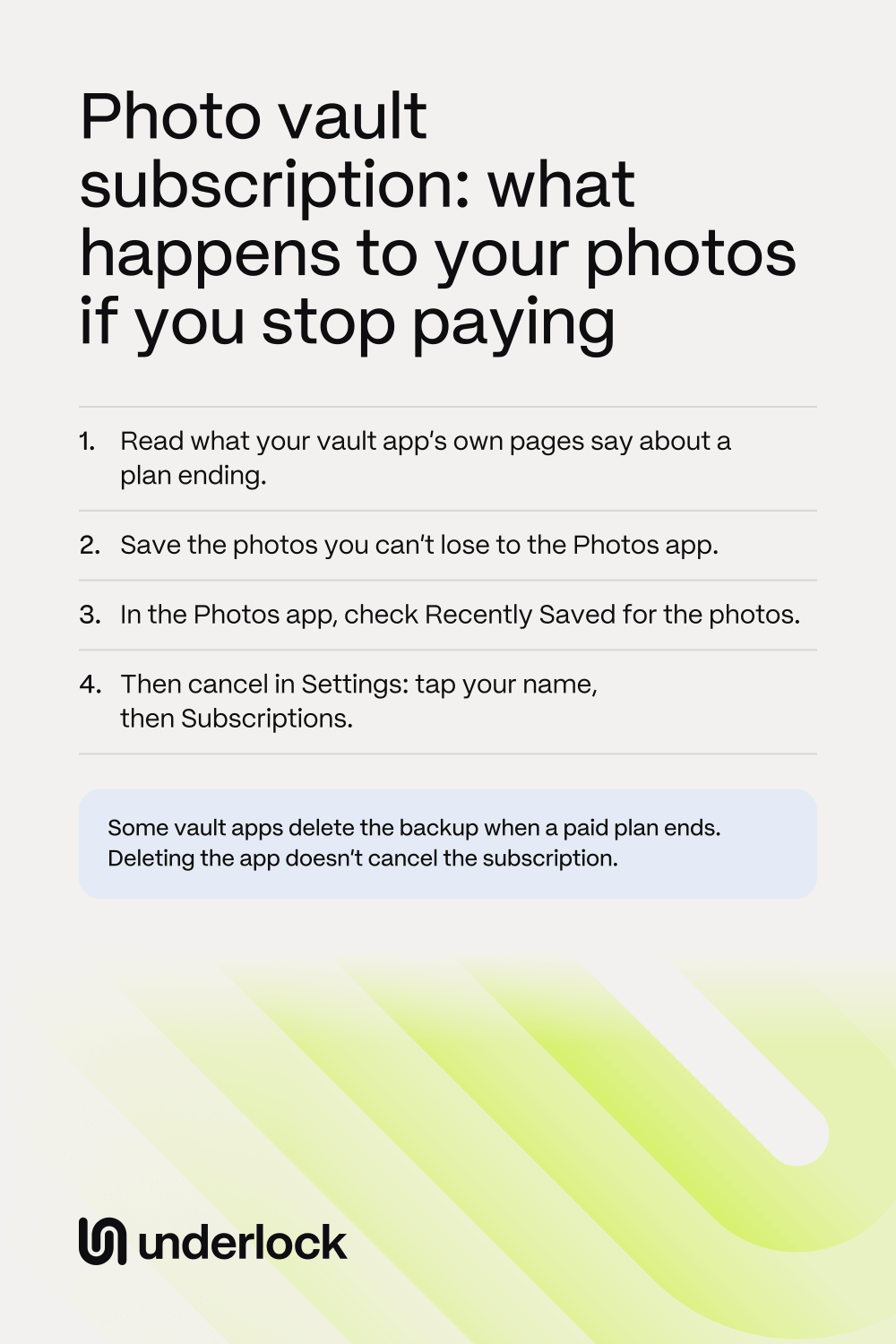
Vault apps don’t all work the same way. When a paid plan ends, 4 things can change. Check each one for your app:
- Your backup. In some vault apps, the backup is part of the paid plan. When the plan ends, the backup can be deleted, or can keep only some of your photos.
- Your way in. The vault app may show a screen that asks you to pay. You may have to choose the free version on that screen before your vault opens.
- Photos kept online. To free up space, some vault apps can keep your full-size photos online, with a smaller copy on your iPhone. When the plan ends, the full-size photos may download back to your iPhone and take up space again.
- Paid extras. A feature you relied on can stop. In some vault apps, getting a deleted photo back is a paid feature.
In Private Photo Vault and Keepsafe, photos stored in the app stay in the app. Another vault app may be different. Some reviews say a vault app asked for money before the reviewer could reach their photos.
Check what your vault app says, before you cancel
Do this while your plan is still running:
- Open the App Store, and search for the vault app.
- Tap the vault app to open the app’s page.
- Scroll down to Ratings & Reviews, then tap App Support. App Support takes you to the company’s own support page.
- Look for a page about a subscription that ends or expires.
- Find the answers to 3 questions. Do my photos stay in the app? What happens to my backup? Can I still save my photos out on the free version?
- Can’t find the answers? Write to the company, and ask these 3 questions.
You can also test the way out yourself. Save 1 photo from the vault app to the Photos app, and see whether the app asks for money.
What Private Photo Vault and Keepsafe say
Here is what these 2 vault apps say on their own help pages. A company can change its plans, so check the app’s own page before you cancel.
- Private Photo Vault. You cancel first. When your Premium plan then ends, a screen called Premium has Expired lets you renew or switch to the free version, called Basic. To switch, scroll down on that screen and tap Switch to Basic. Private Photo Vault says photos stored in the app stay in the app, behind your PIN. Private Photo Vault also says that switching to Basic deletes your cloud backup. So save your photos before your plan ends.
- Keepsafe. When your Premium plan ends, Keepsafe shows a screen that offers a new plan. To keep using Keepsafe for free, close that screen, then choose Switch to Basic. Keepsafe says all your photos and videos stay in the app, but only 200 stay backed up. If Space Saver was on, Keepsafe turns it off and downloads your full-size photos, so they take up more space on your iPhone. Getting deleted photos back from Keepsafe’s Trash needs Premium.
See how the 2 apps differ in Keepsafe vs Private Photo Vault.
Save your photos before the plan ends
Save the photos you can’t lose while your plan is still running. Then you have your own copy, whatever the vault app does next. Take these steps, in this order:
- Save the photos and videos you can’t lose from the vault app to the Photos app. Each vault app has its own buttons: see how to save photos out of a vault app.
- In the Photos app, tap Collections, then tap Recently Saved, under Utilities. Check that your photos are in Recently Saved.
- Open a few of the photos, to check that they open.
Photos you save show in your library with your other photos, so anyone who can open the Photos app can see them. To keep the photos out of sight for now, hide the photos in the Photos app. To keep a copy somewhere else, see where a second copy can go. Does the vault app ask for money before you can save? Ask the company what your choices are before you cancel.
How to cancel a vault app subscription
Once your photos are saved, cancel in the Settings app on your iPhone:
- Open the Settings app.
- Tap your name, then tap Subscriptions.
- Tap the vault app’s subscription.
- Tap Cancel Subscription. You might need to scroll down to find the button.
If you see no Cancel Subscription button, or an expiration message in red text, the subscription is already canceled. After you cancel, Apple says the subscription stops at the end of the current billing cycle. So your plan keeps running until that date. Can’t find the subscription? See Apple’s steps for finding it.
If your plan has already ended
Your photos may still be in the vault app. Try these steps, in this order:
- Keep the vault app on your iPhone. Your photos may still be inside the app, and deleting the app deletes photos stored only inside it.
- Open the vault app.
- If a screen asks you to pay, look for a way to switch to the free version. The button can be lower down the screen, or can show after you close the screen.
- Check that your photos open. Then save the photos you can’t lose.
- Can’t reach your photos without paying? Ask the company first. On the app’s page in the App Store, scroll down to Ratings & Reviews, then tap App Support.
- If the company can’t help, you can renew for one more billing cycle. Open the Settings app, then tap your name, then Subscriptions. Tap the expired subscription, then tap Renew.
- Once your plan is running again, save your photos. Then cancel again.
Renewing costs money, and a backup the app already deleted may not come back. So ask the company what renewing will bring back.
If the app says Premium has expired
Paid for lifetime before? See what to do about a lifetime purchase first. Otherwise, the message means the app’s paid plan, or a free trial of it, has ended. Some vault apps start new accounts on a free trial of the paid plan, so you can see the message without ever paying. Here is what each app’s own pages say:
- Keepsafe. Keepsafe gives every new account 30 days of Premium for free, and says you won’t be charged when the trial ends. To keep using Keepsafe for free, close the screen that asks you to pay, in its top right corner. Then choose Switch to Basic on the next screen. Keepsafe says Premium adds a backup of up to 10,000 photos and videos, Trash recovery, album passwords and Space Saver. On Basic, all your photos stay in the app, but only 200 stay backed up.
- Private Photo Vault. A screen called Premium has Expired lets you renew, or switch to the free version, Basic. What Private Photo Vault says about switching is above. Used Space Saver? Private Photo Vault says Space Saver keeps your original files in Cloud Vault. Its pages don’t say what happens to those originals when you switch to Basic. So before you switch, ask Private Photo Vault through App Support on its App Store page.
- Hide It Pro. Hide It Pro sells extra cloud space as a monthly subscription. Its pages don’t say what happens to your cloud copy when that subscription ends. So ask Hide It Pro before you let it end.
In any vault app, keep the app on your iPhone while you decide. Then follow the steps for a plan that has ended.
I paid for lifetime, and now it wants a subscription
Apple says something you buy once in an app, such as an upgrade to a pro version, might be restored for free. So before you pay again, try these steps, in this order:
- Don’t pay again yet, and don’t switch to the free version yet. Keep the vault app on your iPhone.
- Check what you bought. Open the App Store, then tap your picture. Tap Apps & Purchase History, then tap Purchase History. Look for the vault app.
- In the vault app, look for a button to restore purchases, often called Restore Purchases. Apple says it can be in the app’s store, main menu or settings. Use the same Apple Account you bought with.
- If nothing happens, restart your iPhone. Then try to restore again.
- Still asked to pay? Write to the company. Say what you bought and when, and that restoring didn’t work. On the app’s page in the App Store, scroll down to Ratings & Reviews, then tap App Support.
- You can also report the problem to Apple. Go to reportaproblem.apple.com, and sign in. If you already paid again, choose I’d like to, then Request a refund. Apple decides on refunds.
- In Keepsafe. In the app, tap Settings in the bottom left corner, then tap Account. Enter your PIN or pattern. Tap Account Type, then tap Restore Purchases. If the screen that asks you to pay is in the way, close it in the top right corner. Then scroll down to Restore Purchases.
- In Private Photo Vault. In the app, open Settings, then tap Restore Purchase.
While you wait for an answer, save your photos, if the app lets you.
If you stop paying for Underlock
We make Underlock, a private vault for photos, videos, files and notes. You open your vault by drawing a pattern on a grid of dots. Pro is Underlock’s paid plan.
Underlock is coming soon to the App Store. Here’s how it will work.
- Everything stays usable if Pro ends. Every vault opens. You can view, share out and delete everything. You can’t add new vaults or turn on new Pro settings until you have Pro again. See what else changes.
- Underlock is free forever: one vault, no file limit. If the free plan ever changes, you keep the plan you started with.
- Lifetime includes all Pro, now and later. That means every Pro feature, and any added later. Lifetime is a one-time purchase. It never becomes a subscription.

Monthly and Yearly renew until you cancel in the Settings app, at least a day before. Pricing shows every plan and what each one adds.
Questions people ask
It depends on the app. Some vault apps keep your photos in the app, and delete or cut down the backup. Read what your app’s own pages say, and save the photos you can’t lose before the plan ends.
Private Photo Vault says photos stored in the app stay in the app when you switch to Basic. Your cloud backup is deleted. Private Photo Vault asks you to review your files and backup before you switch.
Keepsafe says all your photos and videos stay in the app when you switch to Basic. Only 200 stay backed up. Close the screen that offers a new plan, then choose Switch to Basic.
Some vault apps sell one. A vault app’s App Store page lists what the app sells under In-App Purchases, but the list doesn’t always say which items renew. So ask the company before you buy. Underlock’s Lifetime plan is a one-time purchase, and it never becomes a subscription. See Pricing.
Yes. You can share anything out of Underlock, Pro or not.
Your vaults and files stay as they are. Adding another vault waits until you have Pro again. The app icon goes back to Underlock’s own icon. The Lock Screen camera stops saving, and shots it already saved stay. The log of tries to get in stops noting new tries. Tries it already noted still show, the next time you open your vault. If you set up a decoy pattern, for when someone forces you to open Underlock, that pattern keeps working.
Yes. Underlock is free forever: one vault, no file limit. If the free plan ever changes, you keep the plan you started with. More vaults come with Pro, Underlock’s paid plan. The Pricing page lists everything Pro adds.