
Check the app’s privacy details in the App Store
Every app’s page in the App Store has a privacy section. The company that makes the app fills in this section, so the section shows what that company says the app collects.
- In the App Store, find the vault app.
- Tap the app’s name to open its page.
- Scroll down to App Privacy.
- Read the lists under Data Used to Track You and Data Linked to You.
Data Used to Track You is data combined with what other apps and websites know about you. Either the app’s company combines the data, or a company it shares the data with. Data Linked to You is data tied to who you are, through your account, your device or your details. If neither list appears, you have the company’s word that the app doesn’t track you or link data to you.
5 questions to ask any vault app
The privacy details list the data an app collects, but not how the app protects your photos. For that, read the app’s description in the App Store and the company’s website. Look for clear answers to these 5 questions. Two words come up often. Encrypted means scrambled. The key is a long random number that unscrambles encrypted photos. The key isn’t your PIN, password or pattern, and you never see the key. The app uses the key when you open your vault. For other words, see iPhone privacy words, in plain English.
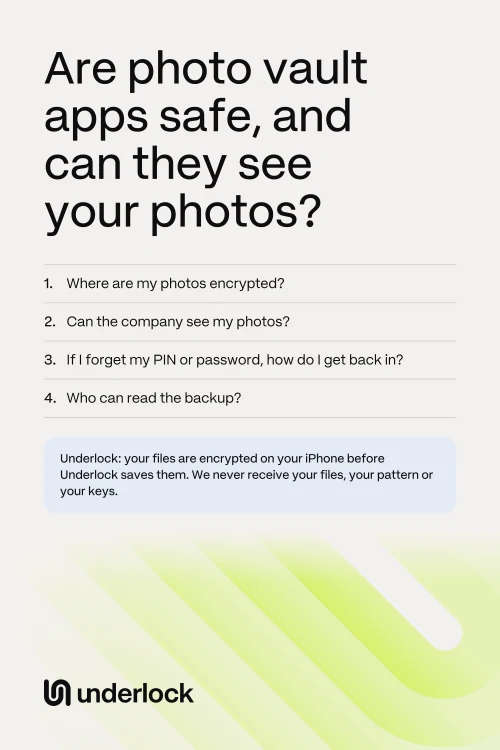
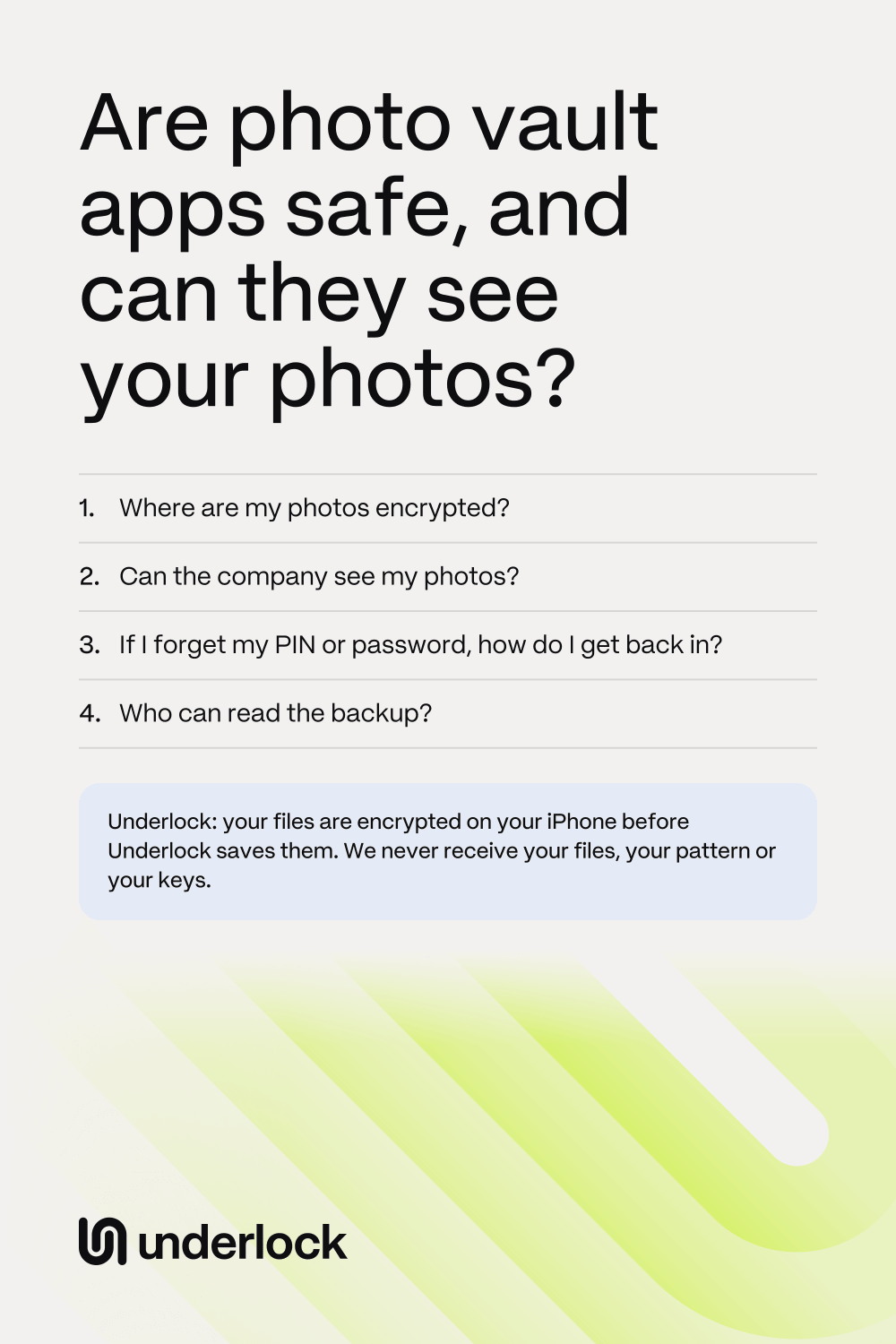
- Where are my photos encrypted? The answer to look for is “on your iPhone”, before the app saves your photos. If the app encrypts your photos only after sending them to the company, the company can unscramble them.
- Can the company see my photos? Look for a plain “no”, and the reason: the company never receives your photos or the keys.
- Do I need an account? An account means the company keeps your email address or phone number. With no account, the company has less to keep about you.
- If I forget my PIN or password, how do I get back in? Find out before you need to. Some apps let the company get you back in, for example with an email. A reset by email is easier, but anyone who gets into your email has a way in too. Other apps give you a way back in that only you keep, like a list of words on paper. With words only you keep, the company can’t open your vault, and nobody can help you if you lose the paper.
- Who can read the backup? Without a backup, a lost iPhone means lost photos. Look for a backup that’s encrypted on your iPhone before it’s uploaded. Then whoever stores the backup can’t read it.
If an app’s pages don’t answer these questions, ask the company that makes the app.
Underlock’s answers
Underlock is a private vault for photos, videos, files and notes on your iPhone. We make Underlock, so check our answers as closely as any other app’s answers.
Underlock is coming soon to the App Store. Here’s how it will work.
- Where are my photos encrypted? On your iPhone. Your photos, videos, files and notes are encrypted on your iPhone before Underlock saves them.
- Can the company see my photos? No. We never receive your files, your pattern or your keys.
- Do I need an account? No. No account, no email, no analytics. So we don’t have your name or email, unless you write to us. And Underlock doesn’t report how you use the app.
- If I forget my pattern, how do I get back in? With your recovery phrase: 12 words you write on paper when you set up your vault. Your 12 words open your vault for anyone who has them, so keep the paper where nobody else will find it. If you lose both your pattern and your 12 words, nobody can open your vault, not even us.

For the details, read How Underlock protects your files and What Underlock can’t do.
Questions people ask
Some can, and some can’t. If an app encrypts your photos on your iPhone, and its company never gets the keys, the company can’t see your photos. Underlock can’t see your photos, because your photos are encrypted on your iPhone and we never receive the keys.
No app can promise it can’t be hacked. Spyware or a hacked iPhone can see an open vault and the pattern you draw, in any vault app. Keep iOS up to date. Lock your vault when you’re done.
Many vault apps say they encrypt your photos. Check where. The answer to look for is “on your iPhone”, before the app saves your photos, with keys the company never gets.
Some apps upload your photos to back them up. Ask where the backup goes, and whether your photos are encrypted before they leave your iPhone.