What a Legacy Contact can see
Apple says a Legacy Contact can get the data you stored in iCloud and in your iCloud Backup. Apple checks each request first. Once Apple approves, your Legacy Contact can see:
- iCloud Photos. Every photo and video in iCloud Photos, including the Hidden album.
- Your other iCloud data. Notes, Mail, Messages in iCloud, files in iCloud Drive, contacts, calendars, health data, voice memos and more.
- Your iCloud Backup. Your iPhone’s backup in iCloud holds app data and settings. With iCloud Photos off, the backup can hold the photos on your iPhone too.
Apple says a Legacy Contact can’t get movies, music, books or subscriptions you bought, or your payment details. A Legacy Contact also can’t get your passwords, which your iPhone keeps in iCloud Keychain. Apple’s list of what a Legacy Contact can get
Can a Legacy Contact see your hidden photos?
Yes, if iCloud Photos is on. Hiding a photo moves the photo to the Hidden album, and the Hidden album is part of iCloud Photos. So your Legacy Contact gets your hidden photos with the rest of iCloud Photos.
With iCloud Photos off, your hidden photos stay in the Photos app on your iPhone. Your iPhone’s iCloud Backup can then hold your hidden photos, and a Legacy Contact can get that backup too. See where hidden photos show up.
Photos kept only on your iPhone
A Legacy Contact gets what’s in iCloud and in your iCloud Backup. So a photo kept only on your iPhone isn’t part of it. That’s a photo on an iPhone where iCloud Photos and iCloud Backup are both off.
Your iPhone itself is locked with its passcode. Apple says it can’t remove an iPhone’s passcode without erasing the iPhone. Erasing deletes everything on the iPhone. So for a Legacy Contact to get a photo, the photo needs to be in iCloud Photos or in your iCloud Backup. See what’s in your iPhone backup.
Add a Legacy Contact on your iPhone
Your Legacy Contact can be anyone you trust. That person doesn’t need an Apple Account or an Apple device. To ask for access later, that person has to be over 13, or older in some countries. Your iPhone needs iOS 15.2 or later. To add a Legacy Contact:
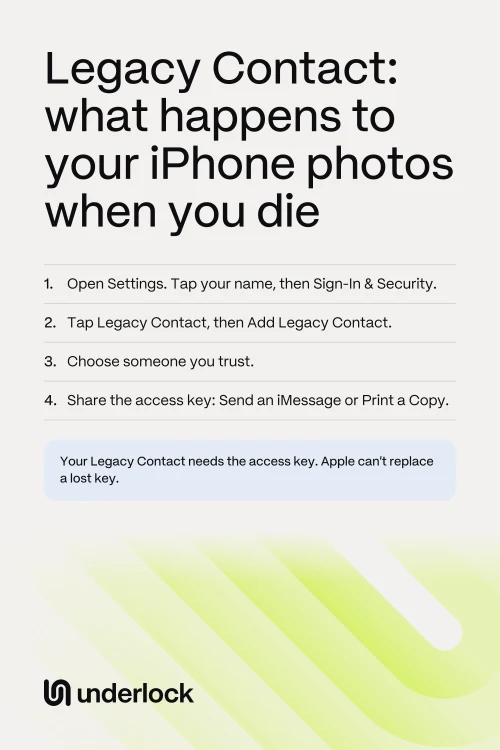
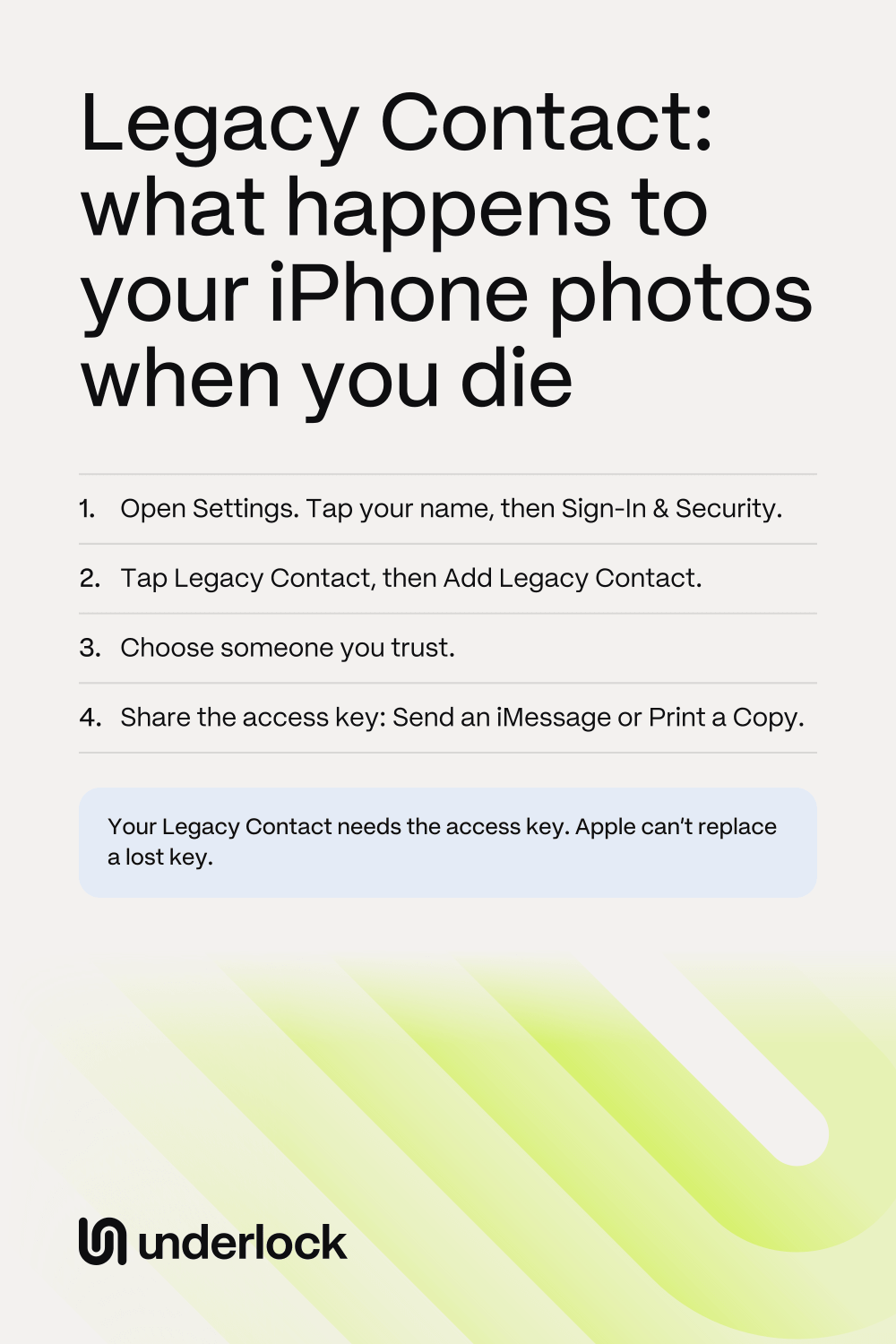
- Open the Settings app.
- Tap your name.
- Tap Sign-In & Security.
- Tap Legacy Contact.
- Tap Add Legacy Contact. Your iPhone may ask for Face ID, Touch ID or your passcode.
- Choose someone in your Family Sharing group, or tap Choose Someone Else to choose from your contacts.
- Choose how to share the access key: Send an iMessage or Print a Copy.
Apple emails you when you add a Legacy Contact. You can add more than one. Apple says any one of your Legacy Contacts can decide what happens to your data, including deleting the data for good. Apple’s steps for adding a Legacy Contact
If you’re someone’s Legacy Contact
This part is for you if someone who chose you has died. You can ask Apple for access to that person’s data. You need 2 things: the access key that person shared with you, and a death certificate. In some countries, Apple asks for a different paper, like a family certificate in Japan. No iPhone, or is the key on paper? Start on Apple’s Digital Legacy website, where you type in the key. On an iPhone, the key may already be saved. To check, and to ask Apple for access there:
- Open the Settings app.
- Tap your name.
- Tap Sign-In & Security.
- Tap Legacy Contact.
- Tap the person’s name. No name there? Then the key isn’t saved on this iPhone.
- Tap Request Access. Then follow the steps to upload the death certificate.
- Apple checks your request. Apple emails you when the check is done, or if Apple needs more information.
- Apple gives you a Legacy Contact Apple Account. You type in the access key again. You then set a password for that account. With that account, you can see the data on iCloud.com, and download the data at privacy.apple.com.
- Some data needs more steps. Apple may ask for the access key again for health data and voice memos, for example. If the person turned on Advanced Data Protection, you also sign in on an Apple device with the Legacy Contact account. Advanced Data Protection is an iCloud setting that stays off unless someone turns it on.
- Once Apple approves, the person’s own Apple Account stops working. You reach the person’s data with the Legacy Contact account instead. To use the person’s iPhone with another Apple Account, erase the iPhone first. Erasing deletes anything that was only on that iPhone. So before anyone erases the iPhone, save what you want to keep from it.
Can’t find the access key? Look in that person’s emails and texts to you, and with that person’s will and similar papers. Apple can’t replace a lost key, but Apple has other ways for family to ask. Apple’s steps for a Legacy Contact
What happens to your Underlock vault
We make Underlock, a private vault for photos, videos, files and notes. You open your vault by drawing a pattern on a grid of dots. Everything you add to your vault is encrypted on your iPhone before Underlock saves it.
Underlock is coming soon to the App Store. Here’s how it will work.
- Your vault isn’t in iCloud Photos. Photos in your vault aren’t in the Photos app, so they’re not in iCloud Photos. A Legacy Contact who gets your iCloud Photos doesn’t get your vault’s photos that way.
- We can’t open your vault for anyone. Underlock has no account, and never asks for an email. We never receive your files, your pattern or your keys. Your vault opens with your pattern, or with your recovery phrase: 12 words you write on paper at setup. Without either one, nobody can open your vault, not even us.
- Your vault’s files are in your iPhone’s backup, still encrypted. If your iPhone backs up to iCloud, a Legacy Contact can get that backup, with your vault’s files in it. On another iPhone, only your 12 words open those files.
- Want someone to have your vault one day? Your vault passes on only with your pattern or your 12 words. So keep the paper with your 12 words where you keep your will. With the 12 words, that person also needs your vault itself: your iPhone and its passcode, or a backup that holds your vault.
Questions people ask
Apple’s pages don’t describe a way to choose. A Legacy Contact can get all of iCloud Photos, and everything in your iCloud Backup.
Yes, at any time. Open the Settings app and tap your name. Tap Sign-In & Security, then Legacy Contact. Tap the person’s name, then Remove Contact. Apple doesn’t tell that person, and the old access key stops working.
No. Apple says your Legacy Contact doesn’t need an Apple Account or an Apple device. Without an Apple device, that person can ask on Apple’s Digital Legacy website. If you use Advanced Data Protection, that person needs an Apple device to see your data.
Apple has other ways for family to ask. Apple asks for legal papers first, like a death certificate, and sometimes a court order. A lawyer or the person handling the estate can help with those papers. Family can also ask Apple to delete the account. Apple’s page for a family member
Only with that person’s pattern or 12 words. We can’t open a vault for anyone. If you have the paper with the 12 words, open Underlock on that person’s iPhone. Tap Use recovery phrase on the pattern screen. Type the 12 words, then choose a new pattern.