What did you forget?
We don’t make Keepsafe. These steps come from Keepsafe’s own help centre, and Keepsafe can change them. Start with the one that matches your problem:
- The PIN that opens Keepsafe. Some people call this the Keepsafe password. Keepsafe resets the PIN with a code sent to your email.
- A password on one album. An album password is a second lock, on top of your PIN. See Forgot an album password.
- The email on your account. Keepsafe’s sign-in steps ask for your email and a code, not an account password. See Forgot which email you used or If you can’t get into that email.
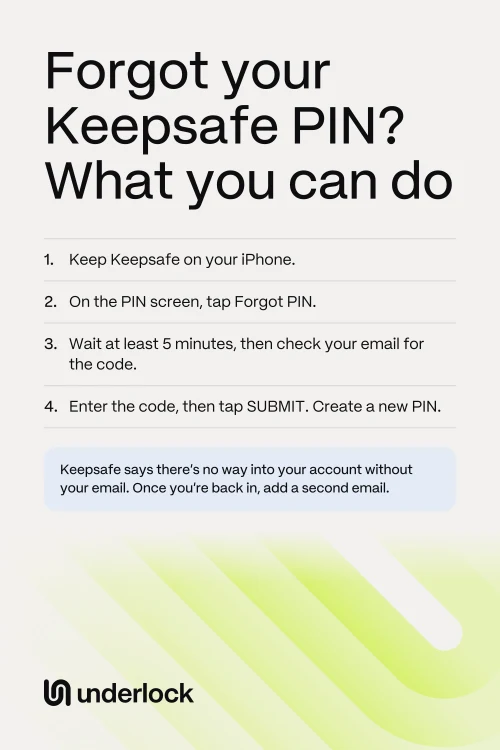
Reset your Keepsafe PIN
Did you turn on Face ID or Touch ID for Keepsafe? Try Face ID or Touch ID first, because Keepsafe says either one can open your vault too. If your vault opens, skip to After you’re back in. If not, you need a verified email: an address you confirmed by tapping Verify Email in a message from Keepsafe. Keepsafe’s setup asks you to do this before you create your PIN, so your first address is likely verified. On iPhone, take these steps:
- Open Keepsafe.
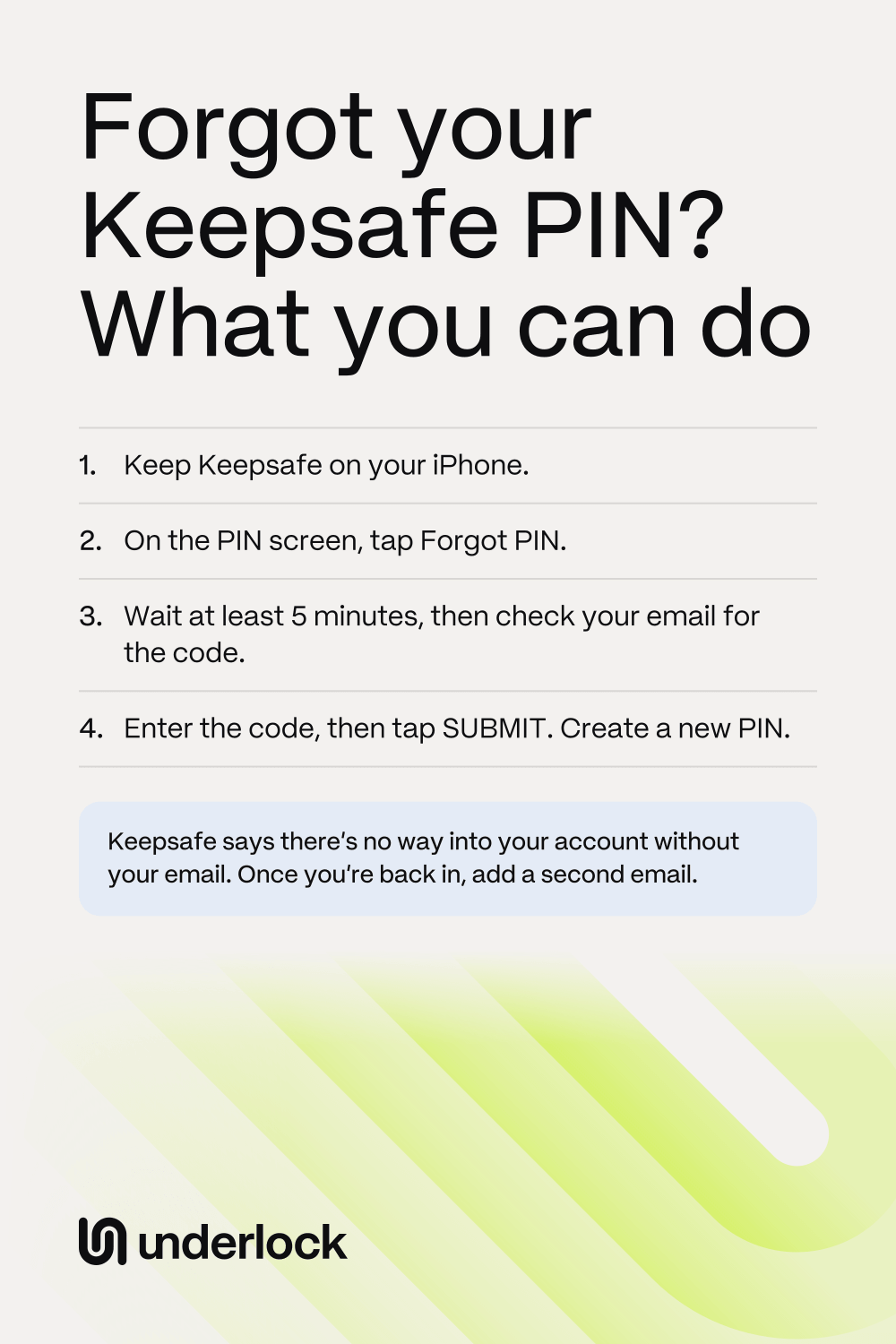
- On the PIN screen, tap Forgot PIN, in the top right corner.
- Wait for the email. Keepsafe sends an access code to every verified address on your account. For extra security, Keepsafe waits 5 minutes before sending the email. You can switch to your email while you wait.
- Open your email, and find the code.
- Go back to Keepsafe, to the page that asks for the code. Enter the code.
- Tap SUBMIT.
- Create a new PIN for Keepsafe.
Keepsafe’s steps don’t ask you to delete anything. Guessing has a limit: Keepsafe says too many wrong PINs in a row stop further tries for a short time. So if a few guesses fail, use Forgot PIN. No email after 5 minutes? See If the code doesn’t come.
If the code doesn’t come
Keepsafe waits 5 minutes before it sends the code. After that, try these steps, in this order:
- Check that you’re in the right inbox. The code goes only to verified addresses on your Keepsafe account. Not sure which address?
- Look in your spam folder. Check that your inbox isn’t full.
- Check that you haven’t blocked auth@getkeepsafe.com. Keepsafe sends the codes from this address.
- On the screen that asks for the code, tap Resend. When Keepsafe asks, confirm your email address.
- Use the newest code. Keepsafe says only the last code you received works, and a code lasts 24 hours.
- Still no code? Write to support@getkeepsafe.com. Say which email address you use with Keepsafe.
Forgot an album password
An album password is a Keepsafe Premium feature. Keepsafe’s reset can’t choose one album: it takes the lock off every locked album, including any in your Decoy Vault. A Decoy Vault is a second gallery that opens with a different PIN. You need to be inside Keepsafe for these steps, so if you also forgot your PIN, reset your PIN first. On iPhone:
- Open Keepsafe.
- Open Keepsafe’s Settings, in the bottom left corner.
- Under More, tap Album Passwords.
- Tap Unlock All Albums.
- Open your email, and find the 4-letter access code from Keepsafe.
- Go back to Keepsafe. Enter the code on the same page.
- Tap Unlock All Albums again.
To lock an album again, open the album. Open the album settings, in the bottom right corner. Tap Lock Album with Password, create a password, then tap Lock.
Forgot which email you used
Keepsafe says it has no way to look up which email address your account uses. But Keepsafe can check an address you write from. Try these steps:
- Search each of your inboxes for the word Keepsafe. At setup, Keepsafe sent a verification email to your address.
- Found nothing? Open each email account you own, one at a time.
- From each account, send a message to support@getkeepsafe.com.
- In the subject line of each message, write: Is this email registered with Keepsafe?
- Wait for the reply. Keepsafe tells you which address, if any, is linked to your account. Keepsafe asks for 24 hours to reply before you follow up.
Then reset your PIN. Did someone else set up Keepsafe for you? Ask them which email they used.
If you can’t get into that email
Keepsafe needs a code from a verified email, so try to get back into the email first:
- Check your other inboxes. Keepsafe sends the code to every verified address on your account, so a second address you added would get the code too.
- Use your email provider’s own recovery steps. To find them, search the web for your provider’s name and “account recovery”.
- Was the address for work or school? Ask your workplace or school for help.
- Keep Keepsafe on your iPhone while you try.
Can Face ID or Touch ID still open Keepsafe? Then save the photos you can’t lose to the Photos app now. Thinking about a new Keepsafe account? A new account can cost you the photos in this one. To start a new account, you’d have to log out of this one. Keepsafe says the only way to log out is to delete the app. Deleting the app loses anything that wasn’t backed up. So keep the app as it is while there’s any chance of getting the email back. If you do start a new account, Keepsafe says to add a second email to it.
After you’re back in
Add a second email to your Keepsafe account. Then losing one inbox doesn’t lock you out. On iPhone:
- Open Keepsafe.
- Open Keepsafe’s Settings, in the bottom left corner.
- Tap Account, then enter your PIN.
- Tap Add Recovery Email.
- Enter the email address, then tap Add.
- Open that email, find the message from Keepsafe, then tap Verify Email.
Keepsafe advises against using only a work or school address, because you could lose access to those. Write your new PIN down, somewhere only you can reach. Then check your backup. Keepsafe’s free plan backs up your first 200 items, and Premium backs up as many as 10,000. Keepsafe says that if you lose your device without a backup, your photos and videos are gone forever. To keep your own copy, save your photos to the Photos app.
How to reach Keepsafe support
- If you can open Keepsafe. Keepsafe prefers this way. In Keepsafe, go to Settings, then Help & Info, then Contact Support.
- If you can’t open Keepsafe. Email support@getkeepsafe.com from the email address on your Keepsafe account. Keepsafe says it can’t help when you write from an address with no Keepsafe account. Lost that address? See If you can’t get into that email.
Keepsafe asks for 24 hours to reply before you follow up. Using a different vault app? See Forgot your photo vault password? Keepsafe won’t open at all? See Keepsafe not working?
In Underlock, 12 words get you back in
We make Underlock, a private vault on your iPhone for photos, videos, files and notes. You open your vault by drawing a pattern on a grid of dots. If you forget your pattern, a recovery phrase gets you back in.
Underlock is coming soon to the App Store. Here’s how it will work.
- 12 words on paper. At setup, Underlock shows you 12 words to write on paper: your recovery phrase.
- If you forget your pattern. On the pattern screen, tap Use recovery phrase, then type your 12 words. Then choose a new pattern. Your photos are all still in your vault.
- If you forget your pattern and lose the paper. Nobody can open your vault, not even us.

See how the recovery phrase works.
Questions people ask
No. Keepsafe says there’s no way into a Keepsafe account without access to a verified email address. A second verified address works too, if you added one.
Keepsafe’s reset steps end with a new PIN. The steps don’t ask you to delete anything, and they don’t mention losing photos. What can lose photos is deleting the app.
Reinstalling won’t get you in by itself. Keepsafe marks deleting the app as not recommended, because anything not backed up is lost for good. To log back in, you’d need a code from the same email.
Keepsafe says it waits 5 minutes before sending the code. A code lasts 24 hours. If you asked for more than one, only the last code works.
Not for your account. Keepsafe’s sign-in steps ask for your email and a code. The lock on the app is your PIN, and an album can have its own password.
No. Underlock is a different app, from a different company. Only Keepsafe can reset a Keepsafe PIN.
No. We can’t see your files, your pattern or your recovery phrase, so we have nothing to reset. Your 12 words let you choose a new pattern yourself.