
Turn the Hidden album back on
A switch in Settings, Hidden Album, decides whether the Photos app shows the Hidden album. With the switch off, your hidden photos stay in the Hidden album, and nothing is deleted.
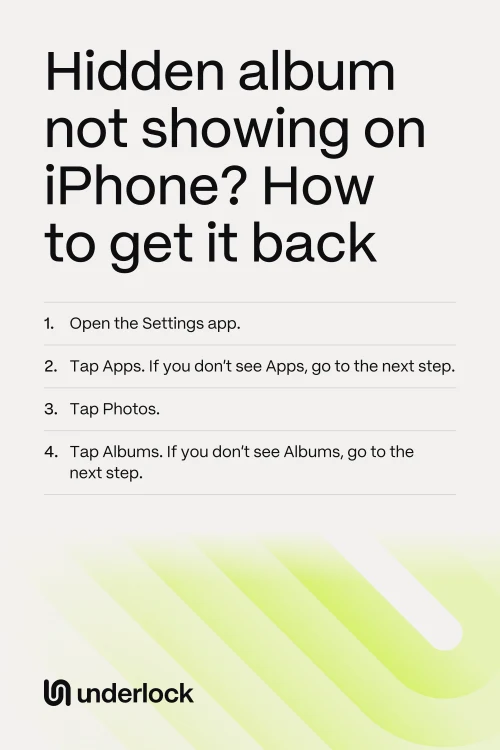
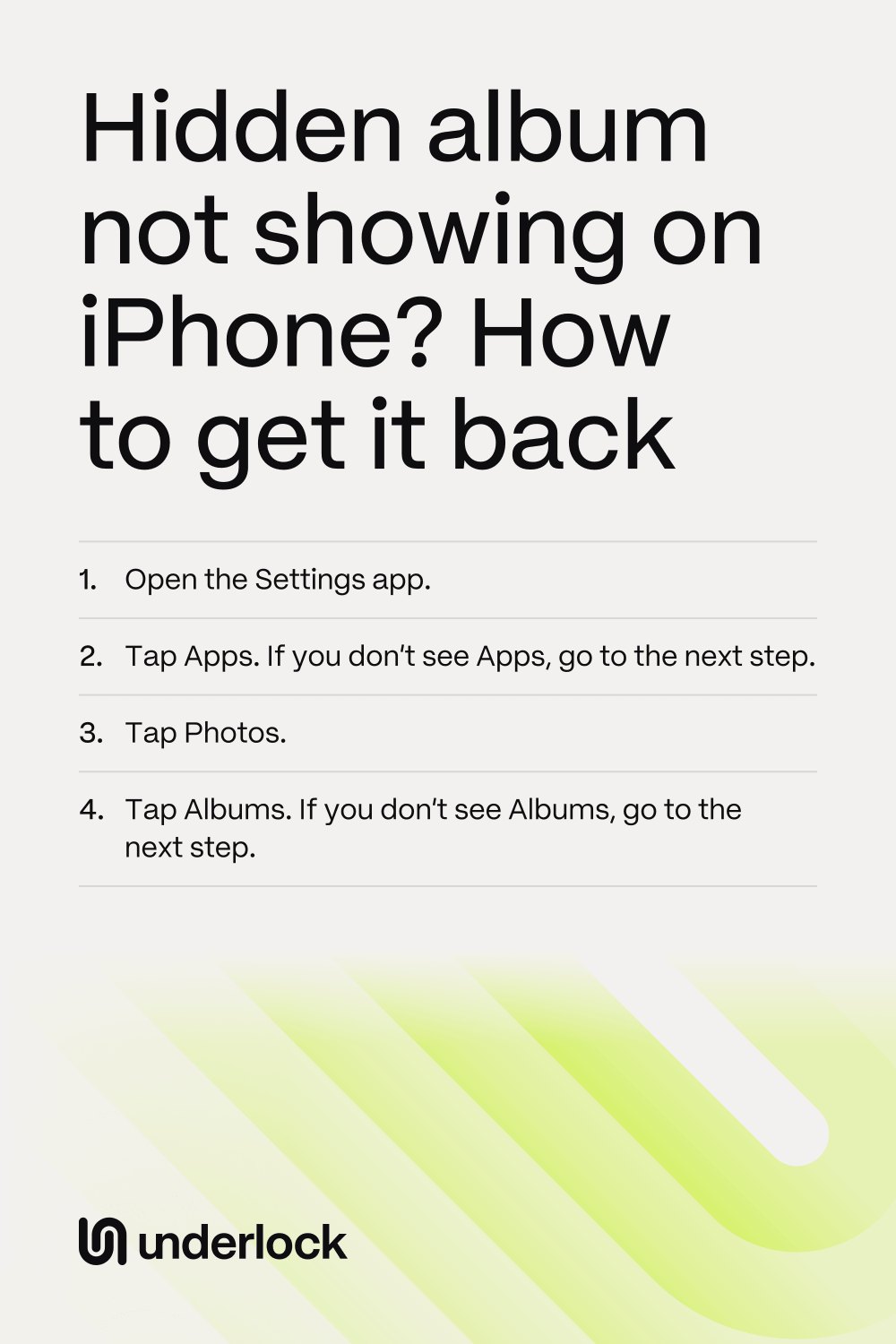
- Open the Settings app.
- Tap Apps. If you don’t see Apps, go to the next step.
- Tap Photos.
- Tap Albums. If you don’t see Albums, go to the next step.
- Turn on Hidden Album. On an older iOS, the switch says Show Hidden Album.
Find the album under Utilities
In the Photos app, the Hidden album is in Collections, under Utilities.
- Open the Photos app.
- Tap Collections.
- Scroll down to Utilities.
- Tap Utilities to see all its albums.
- Tap Hidden.
- Tap View Album.
- Use Face ID, Touch ID or your iPhone passcode.
No Collections button? Your iPhone runs an older iOS, with a different layout. If you see Albums, tap Albums. Then scroll down to Utilities. If you don’t see Albums either, scroll down the main Photos screen to Utilities.
Photos hidden on another device
iCloud Photos keeps the same photos on all your devices, hidden photos included. So a photo you hide on your iPad or Mac also goes into your iPhone’s Hidden album. Each device needs iCloud Photos on and the same Apple Account. On your iPhone, the switch for iCloud Photos is called Sync this iPhone.
- Open the Settings app.
- Tap your name.
- Tap iCloud.
- Tap Photos.
- Check the switch called Sync this iPhone. If the switch is off, turn the switch on.
Then connect your iPhone to power and Wi-Fi. Apple says a large library can take a night to sync. Don’t turn Sync this iPhone off and on again to make photos appear: Apple says turning the switch off makes the syncing start over.
Photos you deleted
Recently Deleted keeps a deleted photo for 30 days, so you can get the photo back. After 30 days, the photo is deleted for good.
- In the Photos app, tap Collections.
- Scroll down to Utilities.
- Tap Utilities.
- Tap Recently Deleted.
- Tap View Album.
- Use Face ID, Touch ID or your iPhone passcode.
- Tap Select.
- Tap the photos you want back.
- Tap the More button (three dots).
- Tap Recover.
Keep private photos in a vault
We make Underlock, a private vault for photos, videos, files and notes. Your vault is separate from the Photos app.

Underlock is coming soon to the App Store. Here’s how it will work.
- Kept out of the Photos app. Underlock copies the photos you choose into your vault. Then Underlock asks whether to remove the originals from the Photos app: you choose Remove or Keep. Removed originals wait 30 days in the Photos app’s Recently Deleted.
- A camera that skips the Photos app. Photos you take with Underlock’s camera never go to the Photos app.
- Your own pattern. You open your vault by drawing a pattern on a grid of dots. Your iPhone passcode, Face ID and Touch ID don’t open your vault.
- 12 words to get back in. At setup, Underlock shows you 12 words to write on paper: your recovery phrase. If you forget your pattern, the 12 words open your vault. Keep the paper somewhere safe. If you forget your pattern and lose the paper, nobody can open your vault, not even us.
- 30 days to undo a delete. A file you delete in Underlock waits 30 days before it’s gone, so you can recover it.
See how Underlock’s setup works, step by step.
Questions people ask
No. Your hidden photos stay in the Hidden album, and nothing is deleted. Turn the switch back on, and the album is back in the Photos app.
Each device needs iCloud Photos on, with the same Apple Account. On an iPad, the switch for iCloud Photos is called Sync this iPad, in the same place as on your iPhone. On a Mac, iCloud Photos is in the Photos app’s settings, on the iCloud tab. To show the Hidden album on a Mac, choose View, then Show Hidden Photo Album, in the Photos app.
Yes, if you use iCloud Photos. On iCloud.com, the Hidden album is in the Photos sidebar. To see the photos, choose Show Hidden Photos.
For your privacy, Apple locks the Hidden album by default. Face ID, Touch ID or your iPhone passcode opens the album.
Yes. Underlock is free forever: one vault, no file limit. If the free plan ever changes, you keep the plan you started with. More vaults come with Pro, Underlock’s paid plan.