
Your passcode is the password for hidden photos
The Photos app has no password of its own. The Hidden album is locked by default, and it opens with Face ID, Touch ID or your iPhone passcode: the code that unlocks your iPhone. On iOS 18 or later, you can also lock the whole Photos app, and a locked Photos app opens the same way. (To see your iOS version, open the Settings app and tap General, then Software Update.) So your passcode works as the Photos app’s password. If someone else knows your passcode, you can change it:
- Open the Settings app.
- Tap Face ID & Passcode. (On an iPhone with Touch ID, tap Touch ID & Passcode.)
- Tap Change Passcode.
- Follow the screens to type a new passcode. For a longer kind of passcode, tap Passcode Options.
Your new passcode then opens your iPhone, the Hidden album and any app you’ve locked. To hide photos in the Hidden album, follow How to hide photos on iPhone.
Set a password just for Notes
The Notes app is the one place where iOS offers a separate password. Notes can lock a note with your iPhone passcode, or with a separate Notes password. A note locked with a Notes password doesn’t open with your passcode. A locked note can hold photos, but a note with a video in it can’t be locked. The title of a locked note still shows in the notes list.
- Open the Settings app.
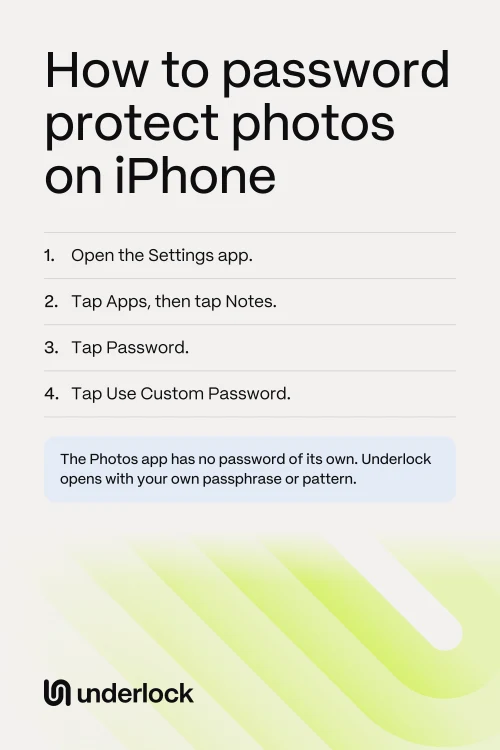
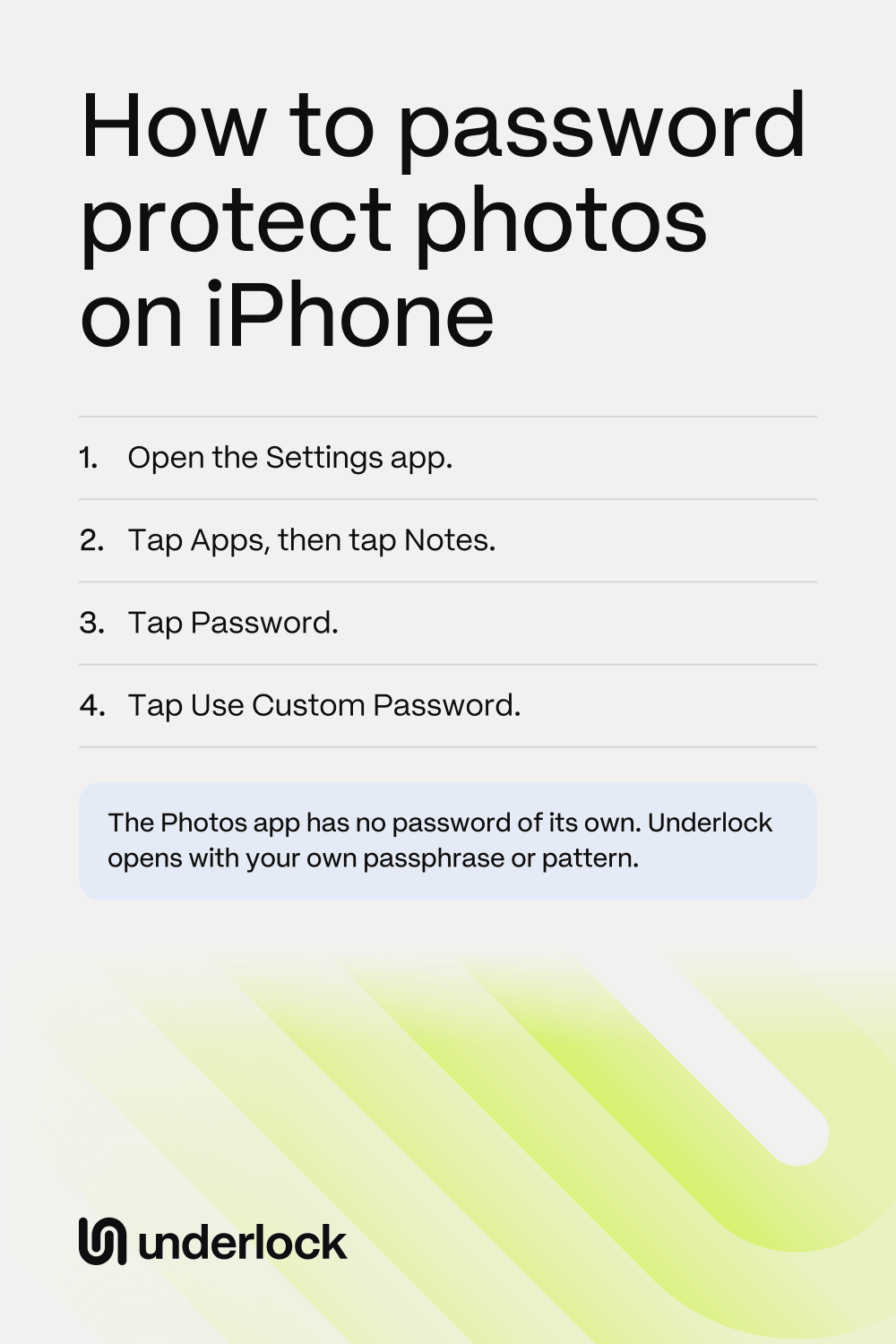
- Tap Apps, then tap Notes.
- Tap Password.
- Tap Use Custom Password.
- Type a password and a hint, as the screen asks.
- In the Notes app, open a note, or tap the New Note button (a square with a pencil) to start one.
- Tap the Attachments button (a paper clip), then choose your photos.
- Tap the Note Actions button (three dots), then tap Lock. Lock adds a lock to the note, but the note stays open.
- To lock the note now, tap the lock icon at the top of the note.
- To check the note, go back to the notes list and tap the note. Tap View Note, then type your Notes password. Check that your photos are there.
- In the Photos app, delete the original photos. Then delete them again in Recently Deleted: tap Collections, then scroll to Utilities and tap Recently Deleted. After this, the locked note holds the only copy of these photos, so if you forget a Notes password, nobody can open these photos. With Apple’s iCloud Photos, the originals are deleted on your other devices too.
On the same Password screen, you can also let Face ID open your locked notes. Your Notes password works on your other devices with the same Apple Account too. Apple’s help for locked notes
What iOS doesn’t offer
Some passwords people look for aren’t in iOS:
- A password on one photo. The Photos app can hide a photo, but has no setting for a password on one photo.
- A password on an album. An album you make has no lock. The Hidden album opens with your passcode.
- A password on the Photos app. A locked Photos app opens with Face ID, Touch ID or your passcode, not a password of its own.
- A separate password for videos. The Hidden album holds videos, but opens with your passcode. Notes can’t lock a note with a video in it.
Which password opens what
Here’s what opens your photos in each place, side by side.
| What opens it | A password just for this | Holds videos | |
|---|---|---|---|
| Hidden album | Face ID, Touch ID or your iPhone passcode | No | Yes |
| Locked Photos app (iOS 18 or later) | Face ID, Touch ID or your iPhone passcode | No | Yes |
| Locked note | Your Notes password, if you set one. If not, your iPhone passcode. Face ID too, if you allow it | Yes, if you set a Notes password | No |
| iCloud Photos on iCloud.com | Signing in to your Apple Account | No | Yes |
| Underlock | Your pattern or passphrase, or your 12-word recovery phrase | Yes | Yes |
If you’re the only one who knows your passcode, Apple’s options may be all you need.
A password that isn’t your passcode
A vault app has a lock of its own. Underlock is the vault app we make: a private vault on your iPhone for photos, videos, files and notes. Your iPhone passcode doesn’t open Underlock, and neither does Face ID. At setup, you choose how your vault opens. You can draw a pattern on a grid of dots, or type a passphrase, like a short sentence you’ll remember. The steps below use a passphrase.
Underlock is coming soon to the App Store. Here’s how it will work.

- Open Underlock. Tap Get started.
- On the Draw your pattern screen, tap Use a passphrase instead. (To use a pattern instead, draw it on that screen, draw it again, then go to step 5.)
- Type a passphrase with at least 4 words or at least 16 characters. Either one is enough.
- Type the same passphrase again. Tap Use this passphrase.
- Write down the 12 words Underlock shows you. These 12 words are your recovery phrase: they get you back in if you forget your passphrase. Keep the paper somewhere safe.
- Underlock then asks for 3 of your words, such as words 3, 7 and 11. For each one, tap the matching word on the screen.
- Tap Add (the plus at the bottom right), then Import from Photos. Choose your photos. Keep Underlock open until the import finishes. Leaving Underlock stops the import, but files already imported stay in your vault.
- When Underlock asks about the originals, tap Remove. Confirm when your iPhone asks. The originals then wait in Recently Deleted in the Photos app for 30 days, so nothing is lost yet. If you use Apple’s iCloud Photos, the originals also move to Recently Deleted on your other devices.
- Check that your photos are in your vault. Then delete the originals from Recently Deleted in the Photos app. Anyone with your passcode can open Recently Deleted.
Your passphrase opens your vault, and so do your 12 words. If you lose both, nobody can open your vault, not even us.
Questions people ask
Not in the Photos app. The Photos app opens hidden photos with Face ID, Touch ID or your iPhone passcode. The Notes app can lock photos in a note with a password of its own. A vault app like Underlock has a lock of its own too.
Change your iPhone passcode. The Hidden album has no password of its own. In the Settings app, tap Face ID & Passcode, then tap Change Passcode.
No, not with a separate password. iCloud Photos opens with your Apple Account. On iCloud.com, the Hidden album opens once you’re signed in.
The same way as on any other iPhone. iPhone 11 can run iOS 27, the version these steps were checked on. To check which iOS you have, open the Settings app and tap General, then Software Update: that screen shows your version.
Apple can’t help you open notes locked with a forgotten Notes password. You can reset the Notes password in the Settings app, but the reset doesn’t open notes you locked before.
Almost. A passphrase is a password made of a few words, like a short sentence you’ll remember. Underlock asks for at least 4 words or 16 characters.