
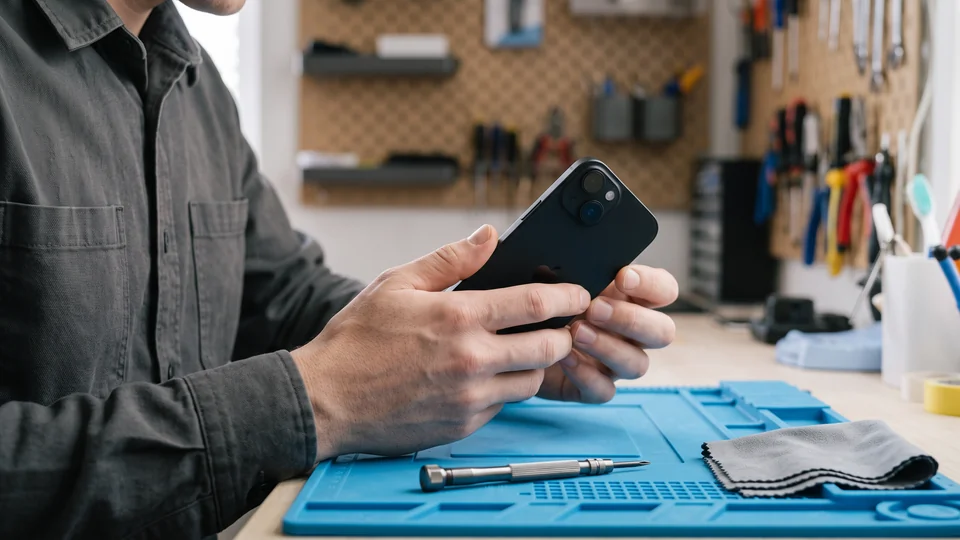
When you send your iPhone for repair
What to do
Underlock is coming soon to the App Store. Here’s how it will work.
A repair shop that has your passcode can open the Photos app. Photos in your vault aren’t in the Photos app, and your passcode doesn’t open your vault.

Back up your iPhone
- Connect your iPhone to Wi-Fi.
- Open the Settings app.
- Tap your name, then iCloud, then iCloud Backup.
- Tap Back Up Now.
- Stay on Wi-Fi until the backup finishes. The time of your last backup then shows under Back Up Now.
Before a repair, Apple also asks you to turn off Apple Cash and to remove your cards from the Wallet app. Apple’s steps before a repair
The next steps depend on your iOS version. To see your iOS version, open the Settings app, then tap General, then Software Update.
On iOS 27: turn on Repair or Trade In
On iOS 27, you don’t turn off Find My. Repair or Trade In, in the Find My app, keeps Find My on during the repair. When you book the repair, Apple or the Apple Authorized Service Provider tells you if your repair can use Repair or Trade In.
- Open the Find My app.
- Choose your iPhone, then tap the More button.
- Tap Repair or Trade In, then tap Enable.
- Enter your Apple Account password.
When the technician finishes the repair, Repair or Trade In turns off by itself.
On iOS 26 or earlier: turn off Find My
These steps are for every iOS before iOS 27, such as iOS 17, 18 or 26.
- Open the Settings app.
- Tap your name, then Find My, then Find My iPhone.
- Turn off Find My iPhone.
Apple asks you to turn off Find My before a repair on iOS 26 or earlier. With Find My on, Apple may not be able to repair your iPhone.
When you get your iPhone back
Apple says your iPhone may come back erased. If your iPhone was erased, follow the setup steps on the screen. On the Transfer Your Apps & Data screen, tap From iCloud Backup to restore your backup. Apple’s steps to restore a backup
If you turned off Find My iPhone before the repair, turn Find My iPhone back on. In the Settings app, tap your name, then Find My, then Find My iPhone.
What Underlock does
- Your passcode doesn’t open your vault. Your vault opens with your own pattern, not your iPhone passcode or Face ID.
- Nothing to see without your pattern. Anyone who opens Underlock without your pattern finds only the pattern screen.
- Locks as you leave. By default, your vault locks the moment you leave Underlock.