
At a border, or when an official asks to see your phone
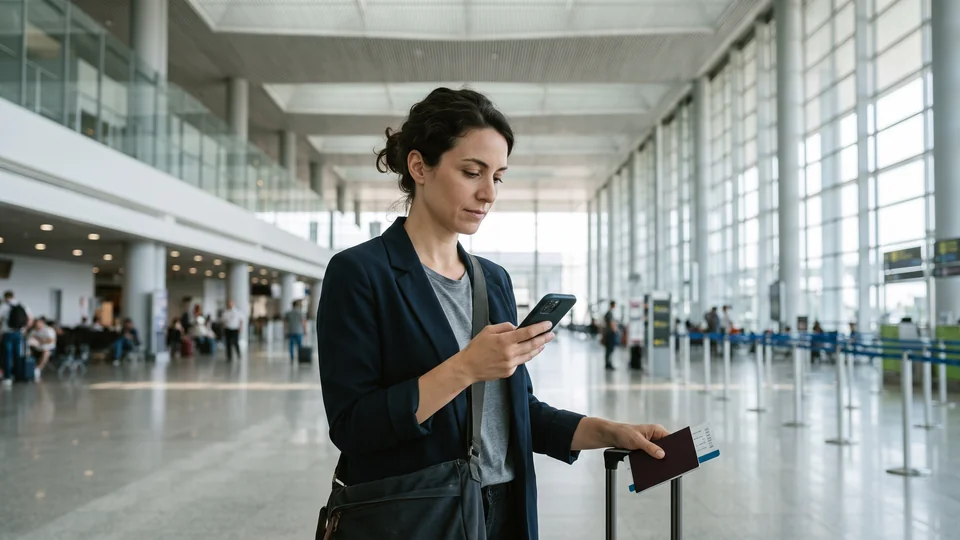
What to do
- Before you travel, read the border agency’s own guidance for the country you’re entering. Four agencies are below, each with a link to its own page.
- For advice on your own situation, talk to a lawyer before you travel.
- If an officer asks to see your phone, ask the officer what will happen to your phone.
- If the border agency holds your phone, ask how to get your phone back.
United States: what CBP says
CBP is U.S. Customs and Border Protection. CBP says all travellers are obligated to present a phone in a condition that allows officers to examine the phone and what’s on it.
CBP says a phone it can’t inspect because of a passcode or encryption may be held or kept out of the country. CBP may also take other action. You may also wait longer.
A US citizen won’t be denied entry because of a phone CBP can’t inspect, CBP says. For a foreign national, CBP may consider a phone it can’t inspect when deciding whether that person can enter. CBP says a phone alone doesn’t decide that.
CBP says a passcode you give is used for the search, then deleted once it’s no longer needed. CBP may also keep copies of information from a search. CBP says that applies if the information may be evidence of a violation, or relates to immigration, customs or other enforcement matters.
CBP says it gives notice before a search. The notice may be a sheet that explains the search and how to report a concern. Read CBP’s page on searching phones.
Canada: what the CBSA says
The CBSA is the Canada Border Services Agency. The CBSA says its officers don’t always examine phones. They examine a phone only if they have signs or concerns that border laws may have been broken. The law must also allow the examination.
The CBSA says an officer will first ask for the password, and you are obligated to give the password when asked. If you don’t give access, the CBSA may hold or seize the phone.
The CBSA says the officer will usually examine the phone in front of you. If the officer finds nothing, the officer returns the phone. If the CBSA holds or seizes the phone, the officer explains the next steps. To object, you have 90 days to ask for a review. Read the CBSA’s page on examining phones.
United Kingdom: what the Home Office says
Home Office guidance covers two separate powers, and the two differ.
The first power is for examinations at ports, to find out whether someone is or has been involved in terrorism. The Home Office code says the person must give access to a phone for a search, and officers can ask for passwords. The code says wilfully failing to comply is a criminal offence. Read the Home Office code.
The second power is for people who entered or arrived in the UK without the permission they needed. Officers can take those people’s phones. The Home Office guidance says those people don’t have to give a PIN or password, and that refusing isn’t a criminal offence. Read the Home Office guidance.
Australia: what the Border Force says
The Australian Border Force says its officers can examine goods and, in some cases, copy documents. It says a document includes information stored on a mobile phone.
The Border Force says a phone may be kept for as long as reasonably necessary to finish the examination. It says giving access can help finish the examination sooner, and that without access the examination may take longer. Read the Border Force’s page.
What Underlock does
- A separate lock. Your vault opens with your own pattern, a shape you draw on a grid of dots, not your iPhone passcode or Face ID.
- Encrypted on your iPhone. Everything you add is encrypted on your iPhone before it’s saved.
- Nothing on our servers. We never receive your files, your pattern or your keys, so we can’t open your vault for anyone or hand your files over.
- Underlock doesn’t change the law. Border rules differ from country to country, and the agencies’ rules above apply whether or not Underlock is on your iPhone. Once you open your vault, an officer can see everything in your vault.
- The app shows on your iPhone. The Underlock icon is on your Home Screen, so people can see that Underlock is on your iPhone.