
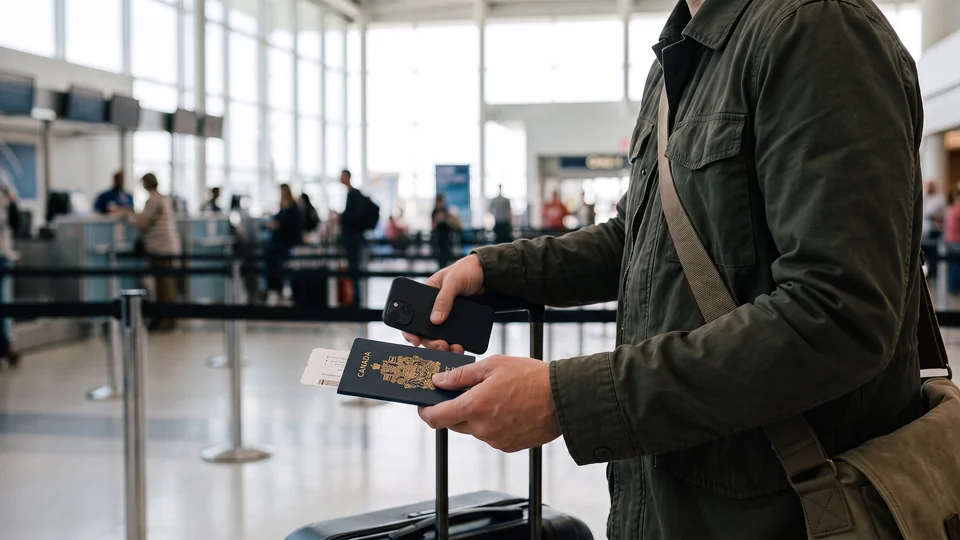
Show your passport, not your camera roll
What to do
Underlock is coming soon to the App Store. Here’s how it will work.
- Snap the card In your vault, tap Add, then Take photo or video. The photo goes straight into the vault.
- Bring in what you have For PDFs, tap Add, then Import from Files. For photos in your camera roll, tap Add, then Import from Photos.
- Clear the originals When the import finishes, Underlock asks whether to remove the originals. Tap Remove. The originals wait in Recently Deleted for 30 days, in the Photos or Files app, so delete them there too.
- Make a folder Group your documents in a folder, like Travel or Health, so your documents are easy to find.
What Underlock does
Search your vault by name, kind or folder: type "pass", or tap Documents. File names are encrypted too, so even a name like "passport.pdf" stays private.
- Locks as you leave. Switch to another app, and your vault locks behind you, by default.
- Share only what’s asked. Sending a document to someone? Underlock asks first, because a shared file leaves the vault.
- No location on what you share. A photo you share from the vault leaves without its location, by default.