
What a lock encrypts
Encrypted means scrambled. You can lock notes with your iPhone passcode or with a Notes password. When you lock a note, the Notes app scrambles the note. The passcode or Notes password you chose unscrambles the note again. Apple can’t read locked notes.
- Everything in the note. The text in a locked note is scrambled, and so are its photos, scans and drawings.
- Kept scrambled. The Notes app keeps only the scrambled version of a locked note, on your iPhone and in iCloud.
- Passcode or Notes password. A note locked with your iPhone passcode is encrypted too, just like a note locked with a Notes password.
Apple can’t help you open a locked note if you forget your Notes password. To lock a note, follow How to lock notes on iPhone.
Notes you don’t lock
Notes in iCloud are encrypted even when you don’t lock them. But Apple holds the keys to those notes: the long codes that unscramble them. So Apple can unscramble notes you don’t lock. Apple keeps those keys to help you get your notes back, for example when you sign in on a new iPhone. With Advanced Data Protection on, only the devices signed in to your Apple Account hold the keys to your notes. Even with the setting on, Apple can still read a few details, such as when each note was last changed.
Advanced Data Protection is a setting you turn on yourself. With the setting on, Apple can’t help you get your notes back if you lose access to your account. See what Advanced Data Protection changes.
What stays outside the lock
Some things about a locked note stay outside the lock:
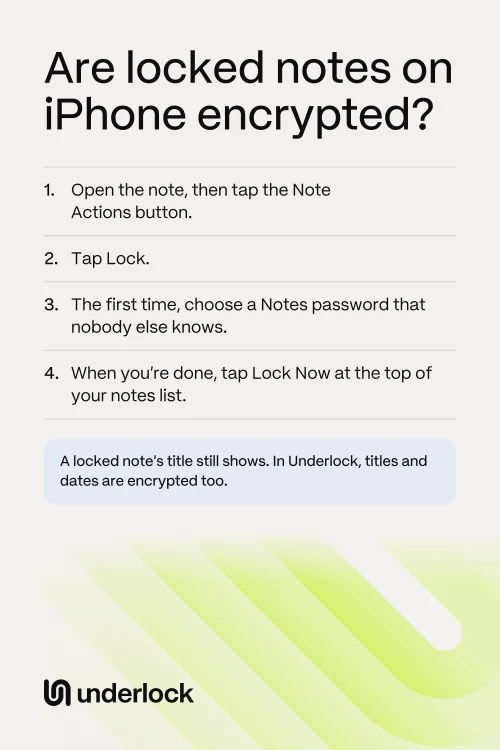
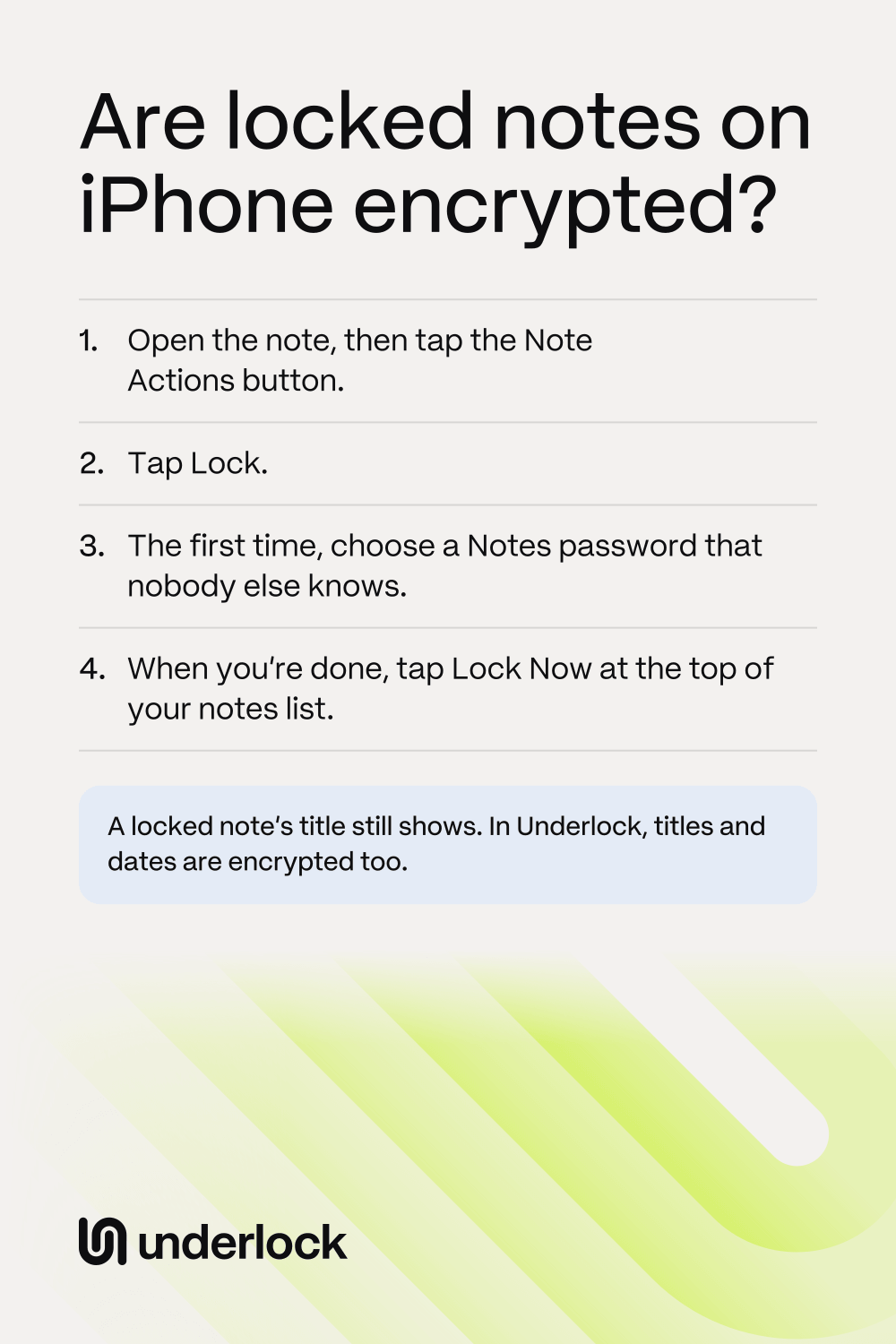
- The title. A locked note’s title still shows in your notes list and in Notes search. The title is the note’s first line, so treat the first line as something anyone can see.
- Some details, like dates. For notes in iCloud, Apple can read some details about each note, even with Advanced Data Protection on. These details include when the note was made, last changed and last viewed, and whether the note is pinned.
Anyone who knows your Notes password can open your locked notes. If your notes lock with your passcode, anyone who knows your iPhone passcode can open them. If you also use an iPad, notes locked with your iPhone passcode open on the iPad with the iPad’s passcode. To see which lock your notes use, open the Settings app and tap Apps, then Notes, then Password. On the same screen, you can switch to a Notes password.
What each lock covers
Here’s what’s inside each lock, and what isn’t.
| The text, photos and scans | The title | The dates | |
|---|---|---|---|
| Locked note | Inside the lock | Outside the lock. The title shows in your notes list and in Notes search. | Outside the lock. In iCloud, Apple can read the dates. |
| Note in Underlock | Inside the lock | Inside the lock | Inside the lock |
Keep notes where titles are encrypted too
We make Underlock, a private vault on your iPhone for photos, videos, files and notes. You open your vault by drawing a pattern on a grid of dots. Your iPhone passcode and Face ID don’t open your vault.

Underlock is coming soon to the App Store. Here’s how it will work.
- Titles and dates encrypted too. Notes in your vault are encrypted on your iPhone before they’re saved, and so are their titles and dates.
- No titles on the pattern screen. Until you draw your pattern, Underlock shows only the pattern screen: no notes and no titles.
- We can’t open your vault. We never receive your files, your pattern or your keys.
- 12 words to get back in. At setup, Underlock shows you 12 words to write on paper: your recovery phrase. If you forget your pattern, the 12 words open your vault. If you forget your pattern and lose the paper, nobody can open your vault, not even us.
For the details, read How Underlock protects your files.
Questions people ask
Yes. Notes in iCloud are always encrypted. Apple holds the keys to notes you don’t lock, unless you turn on Advanced Data Protection. Apple can’t read locked notes.
To read a locked note, someone needs its password: your Notes password, or your iPhone passcode if your notes lock with your passcode. So choose a long Notes password that nobody else knows.
Yes. A locked note’s photos, scans and drawings are encrypted with the note. A note with a PDF, a video or a recording can’t be locked.
Yes, if the note is locked with a Notes password: type that password on iCloud.com. Notes locked with your iPhone passcode don’t open on iCloud.com.
Yes. Underlock is free forever: one vault, no file limit. If the free plan ever changes, you keep the plan you started with. More vaults come with Pro, Underlock’s paid plan.