
Vous consultez notre site en anglais, mais votre navigateur est en français.Passer au français

Estás viendo nuestro sitio en inglés, pero tu navegador está en español.Cambiar a español

Je bekijkt onze website in het Engels, maar je browser is ingesteld op Nederlands.Schakel over naar Nederlands

このサイトを英語で表示しています。お使いのブラウザは日本語に設定されています。日本語で表示

Some photos are meant for one person
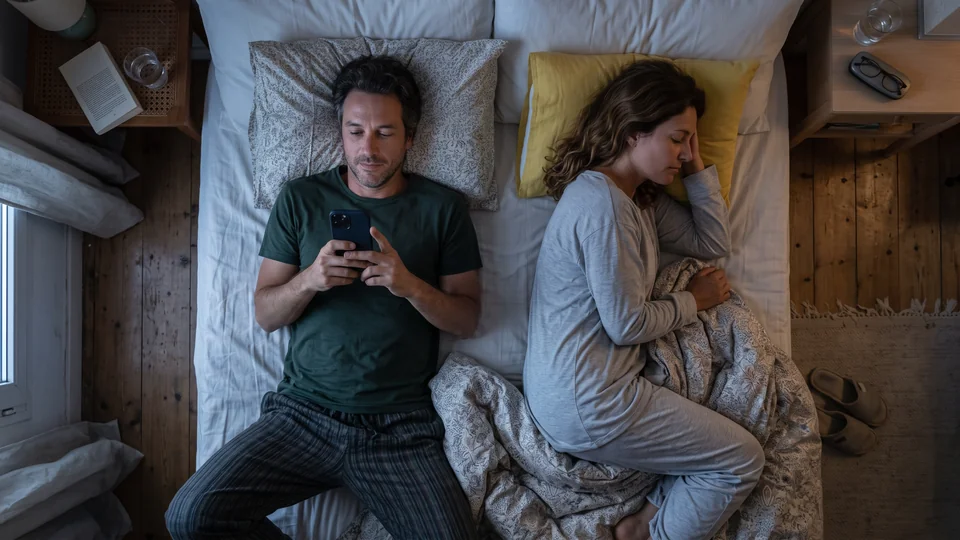
A man checks a phone while lying beside his resting partner.

What to do

Underlock is coming soon to the App Store. Here’s how it will work.

For new photos

  1. In Underlock, tap the Add button (a plus sign), then Take photo or video.

For photos you already have

Importing puts a copy of each photo in your vault. The originals stay in the Photos app until you remove them.

  1. In Underlock, tap Add, then Import from Photos.
  2. Choose the photos.
  3. Keep Underlock open until the import finishes.
  4. When the import finishes, Underlock asks whether to remove the originals from the Photos app. Tap Remove.
  5. When iOS asks to delete the originals, confirm. The originals move to Recently Deleted in the Photos app.
  6. While the originals are in Recently Deleted, check that the photos are in your vault.
  7. To remove the originals for good, delete the originals from Recently Deleted. Until then, Recently Deleted keeps the originals for 30 days. After 30 days, the originals are gone for good.

What Underlock does

  • Encrypted on your iPhone. Every photo is encrypted on your iPhone before it’s saved. We, the people who make Underlock, never receive your files, your pattern or your keys.
  • Straight from the camera to your vault. Photos you take in Underlock skip the Photos app, so iCloud Photos never sees them.
  • Asks before anything leaves. Underlock asks before you share a photo, because Underlock can’t protect the copy you share.

Questions people ask

Take private photos with the camera inside Underlock, and the photos go straight into your vault. For photos already in your camera roll, import the photos into Underlock. When Underlock asks, tap Remove. The originals then wait in Recently Deleted, in the Photos app, for 30 days, so delete the originals there too.

No. Photos in your vault aren’t in the Photos app, so iCloud Photos never sees them.

No. Your photos are encrypted on your iPhone before they’re saved, and we never receive your files, your pattern or your keys.

Yes, with Pro. Each vault opens with its own pattern. The free plan gives you one vault, with no file limit.

Photos for one person. Not for whoever is scrolling.

Free for one vault, with no file limit. No account, no email.

For iPhone with iOS 17 or later.

Coming soon to the App Store

Get an email when Underlock launches

  • Lifetime Pro for $39.99 at launch, not $49.99.
  • Then news a few times a year.
  • Leave the list any time.

You’re on the list.

Underlock · hello@underlock.app